A self-hosted campaign tracker against a no-code conversion feedermedia buyer software
CPV Lab Pro vs AnyTrack
By Dana Rourke, Lead reviewer. Reviewed by Campaign Buyer Editorial. Updated 23 September 2026.
Quick answer
Pick CPV Lab Pro if you buy paid traffic to affiliate or direct-response offers, want a tracker that shows which source, lander and offer made money, keep your data on a server you run, and never want your events metered; pick AnyTrack if you run a Shopify store or your own site and mainly need conversions fed back to Meta, Google and TikTok through their conversion APIs without a developer or a server to maintain. CPV Lab Pro is our pick here for the buyer who will run a server, because it reads campaign profit, matches AnyTrack's platform feed with CAPI and cost sync on its Pro plan, and has a decade of public use behind it. AnyTrack is the better buy when the no-code conversion feed is the whole job.
Side by side
| CPV Lab Pro | AnyTrack | |
|---|---|---|
| What it is | Self-hosted campaign tracker | No-code CAPI feeder |
| Best for | Own-data high-volume affiliates | Stores, own-site owners |
| Hosting | Your own Linux VPS | Cloud, nothing to run |
| What it tracks | Clicks, sources, landers, offers | Conversions on your own site |
| Feeds conversions to | Networks, plus CAPI on Pro | Six ad platforms, 90+ networks |
| Ad spend and ROI by source | Yes, cost sync on Pro | No, feeds only |
| Event limits | Unlimited, no overage | Sessions, automatic overage |
| Free way in | 14-day trial, no card | Free plan, but no CAPI |
| Entry price | Self-hosted, plus your VPS | Free plan, CAPI on paid tiers |
| Outside proof | Thin, decade-long | Thin, disputed |
If your shortlist is down to CPV Lab Pro and AnyTrack, you are weighing two tools that both promise numbers you can trust more than the ROAS your ad account reports, and that were built for two different jobs. CPV Lab Pro is a self-hosted campaign tracker for the buyer pushing paid traffic to offers. AnyTrack is a no-code conversion feeder for the person who runs their own store or site and wants sales fed back to the ad platforms. The reader stuck between them is really deciding which of those two problems is theirs, and once that is clear the choice makes itself.
The honest short version. CPV Lab Pro runs on a server you own, charges per tier with unlimited events, and gives you a deep tracker that reads which source, lander and offer made money. AnyTrack runs in the cloud with nothing to install, bills by the sessions you track, and pushes conversions back to the ad platforms through their conversion APIs without a developer. Which of those two shapes fits how you work is most of the answer.
The question that decides it
Ask two things first. Do you want to run a server, and do you need to read campaign profit or only feed conversions to the ad platforms? CPV Lab Pro is self-hosted: it sits on a Linux VPS you rent, patch and keep online, and in exchange your click logs never leave hardware you control and you can scale a winning campaign without watching a meter. AnyTrack removes that job entirely. There is nothing to install, the vendor runs the infrastructure, and you pay by the sessions you track. For a lot of readers that single question settles it before any feature comparison starts.
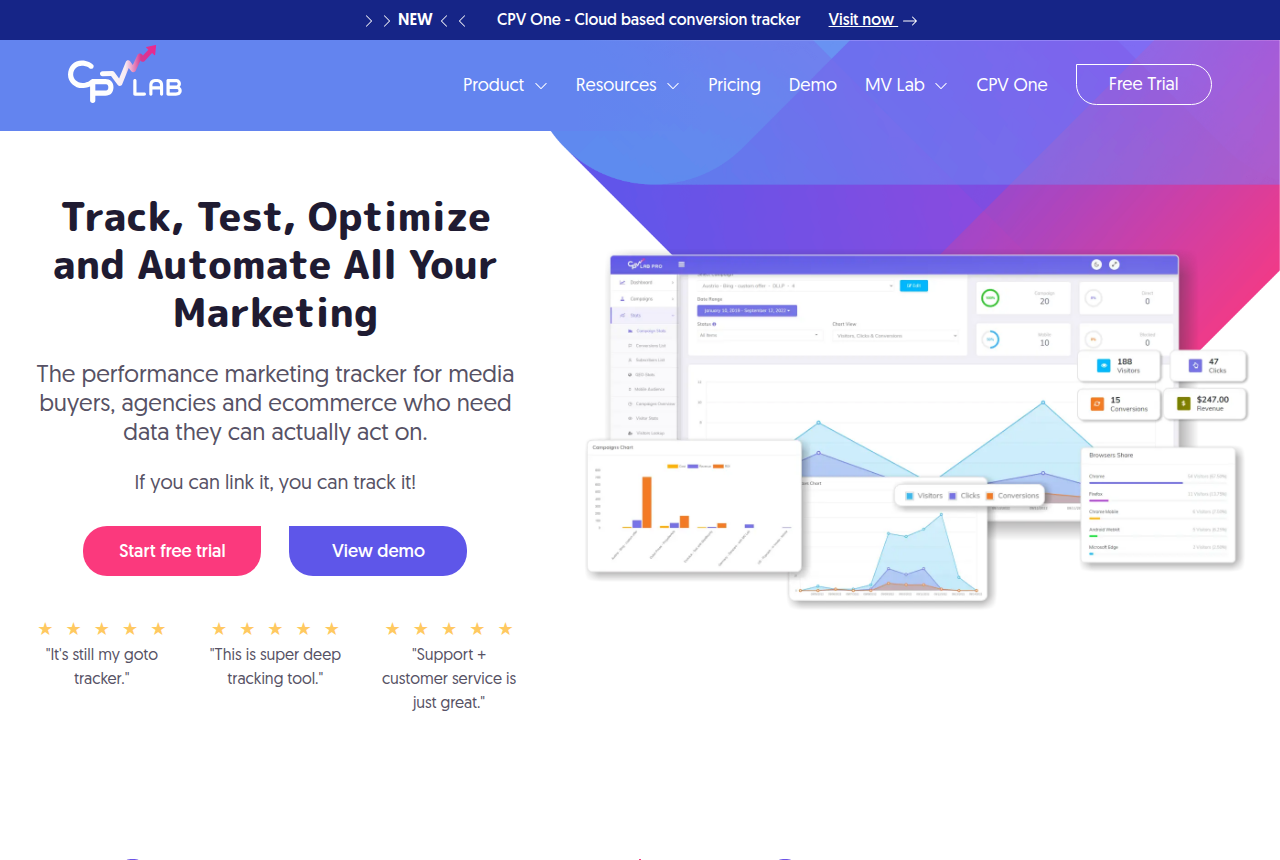
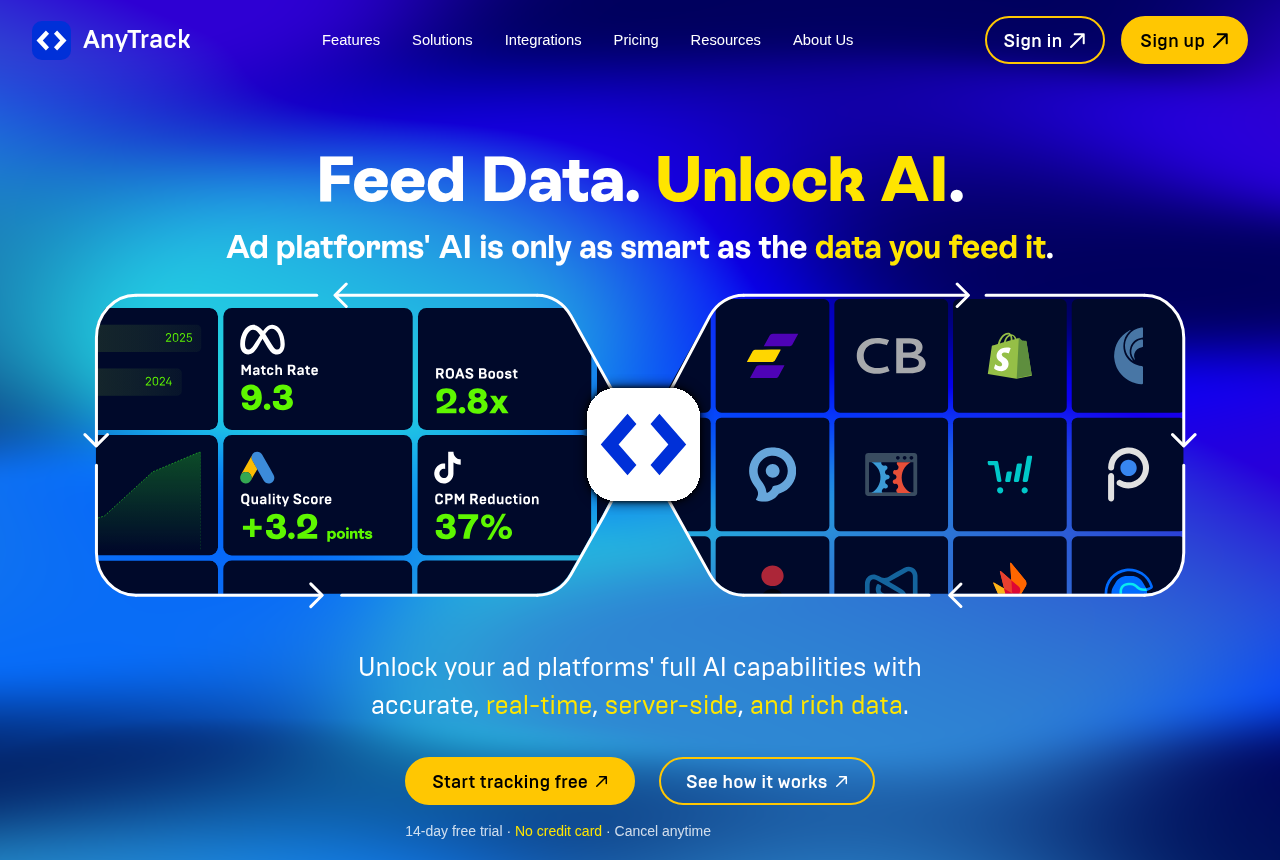
The second question is what you want the data to do. CPV Lab Pro hands you a campaign instrument: cookieless server-to-server tracking, 30-plus data points per click, bot and proxy filtering, and A/B and multivariate testing of landers and offers from inside the tracker, all so you can see which traffic actually paid. AnyTrack points the data outward. It captures the sale on your site and sends it back to Meta, Google, TikTok and three more platforms so their algorithms bid on real buyers instead of a half-blocked pixel. CPV Lab Pro helps you read a campaign, and AnyTrack keeps the ad account supplied with sales.
CPV Lab Pro: own the data, unlimited events, run the box
CPV Lab Pro is one of the longer-running trackers in the category, run by media buyers for about a decade, with the vendor putting its user base past 3,000 marketers. It is self-hosted on your own Linux server, so you own the data outright, and every plan allows unlimited events with no click limits or overage. That is the pitch: an affiliate running pop, push or native traffic at hundreds of millions of clicks pays the same tier price as one running a few million, and the bill never climbs because a campaign won. Starter is $57 a month, the Pro tier that adds CAPI and automatic ad-spend cost sync is $97, and one-time lifetime licences let you own the software instead of subscribing.
Two cautions keep it from being the automatic pick. Self-hosting carries the real cost and the real risk, because the unlimited tracking is only as reliable as the VPS under it, and keeping that machine fast, patched and online falls to you. Its independent record is also short, at 3.8 on Trustpilot from only 16 reviews, with most public praise living on the affiliate forum afflift. Support is the part users rate highest, and the vendor helps with the initial install at no cost, which softens the setup, but a beginner should still budget time for the sheer number of campaign types and settings. We earn no commission on CPV Lab Pro, so there is no affiliate button for it here. The full CPV Lab Pro review covers where its depth pays off and where the setup bites.
AnyTrack: no-code, feed the ad platforms, nothing to run
AnyTrack comes at conversions from the other end. It sits on your site as a no-code tag, watches every click, lead and sale, and sends those conversions back to six ad platforms server-side through each platform's conversion API. You do not stand up a server-side Google Tag Manager container or write postback logic yourself. It also covers 90-plus affiliate networks, ecommerce platforms and CRMs out of the box, so a store owner or an own-site affiliate can wire clean data into Meta and Google without a developer. Server-side and client-side tracking run together, so a blocked pixel or an iOS restriction does not silently drop the conversion. There is a real free plan and a 14-day trial with no card, so you can prove the tracking before you pay.
The catch is its scope and its outside record. AnyTrack does not pull your ad spend in to compute ROI across sources the way a full tracker does, so it will not tell you which of your offers is profitable on its own. Its pricing counts sessions, and once you pass your plan's cap it bills overage automatically, from $0.40 down to $0.20 per 1,000 sessions, and you cannot switch that off on a paid plan. Independent proof is thin: two reviews on G2 and 3.4 out of 5 from eleven reviews on Trustpilot, and support and trial-cancellation disputes recur across those threads. Test the support inside the free trial before you commit a budget. The AnyTrack review covers where the complaints cluster.
The dividing line is what you need to know
The distinction that should decide this is the question you most need answered. If it is "which of my campaigns actually made money," that is CPV Lab Pro's core job: it holds your click and conversion data, brings your ad spend in on the Pro plan, and breaks profit down by traffic source and offer. If it is "how do I get clean sales back into my ad accounts without building server-side tracking," that is AnyTrack's core job, and it does it with no code and no server.
The two are closer on the platform feed than they first look. CPV Lab Pro can push conversions to Meta, TikTok, Google and more over CAPI on its Pro plan, so AnyTrack shares its headline job with it. What AnyTrack still owns is the no-code setup and the breadth of prebuilt integrations, the reason a non-technical store owner reaches for it. What CPV Lab Pro owns is the depth and the data: the per-campaign breakdown a media buyer optimizes on, and click logs that sit on your own hardware. If you need both the profit read and the platform feed, CPV Lab Pro covers both once you are on Pro. If you only need the feed, AnyTrack does it with less to set up.
Where the pricing diverges
These two bill on different measures, so there is no crossover to model, only two shapes to compare. CPV Lab Pro tiers by feature and allows unlimited events on every tier, with the Pro plan switching on CAPI and spend import and a lifetime licence available if you would rather stop subscribing. That sits on top of a Linux VPS you rent and keep online, so add the server. AnyTrack tiers by tracked sessions: a free plan capped at 5,000 that sends nothing through the conversion API, then $100 a month for 100,000 sessions, $150 for 500,000 and $300 for three million. Because the free plan has no CAPI, the tier most people actually need is the first paid one, and the automatic session overage means you should size the plan above your real peak so a traffic spike does not surprise you.
A third path if you host the funnel yourself
Both of these track traffic that lands on pages and checkouts you host somewhere else. They stamp the click and follow it to a lander and an offer on another platform. There is a different way to close the same gap, worth naming because it changes where the data lives. ElasticFunnels is a funnel platform for teams that buy paid traffic: it builds the pages and hosts the checkout itself, and keeps its ad-spend and conversion reporting on the same data layer as those pages, the CRM and the sale. Because the sale closes in a checkout it hosts, that conversion is a first-party event it records at the moment of purchase, and it sends purchase, refund, chargeback and renewal postbacks to your affiliate networks from the server, the network-attribution job CPV Lab Pro does for click traffic. It also split-tests page variants under one URL, so a test never resets the ad platform's learning. It starts with a 14-day free trial that takes no card, on plans from $97 a month, plus 0.5% of revenue processed through a checkout it hosts.
The limit that keeps it on its own line: ElasticFunnels is newer than either tool here, and there is very little independent third-party review coverage to check its claims against, so until you run real volume through it you are largely taking the vendor's word for how its attribution holds up. That is what you would expect of a platform this recent, where CPV Lab Pro has a decade of use behind it and AnyTrack has a public review record you can read, thin as it is. The gap is in outside proof: the pages, checkout and reporting are usable from day one. That reporting covers only the funnels it hosts, so a buyer tracking clicks across offers on other people's domains still needs a dedicated tracker like CPV Lab Pro or AnyTrack for that traffic. It fits the seller who runs their own pages and checkout end to end, with a tracker kept for outside offers.
Which one for you
Three quick reads:
- Affiliate or media buyer who wants campaign profit and will run a server: CPV Lab Pro. It shows which traffic and offers made money, never meters your events, keeps your data on hardware you control, and does CAPI and cost sync on its Pro plan. Budget the VPS and the setup time, and lean on the 14-day trial to prove it on one real campaign.
- Store or own-site owner who needs clean conversions in the ad accounts, no developer: AnyTrack. The no-code CAPI feed is its whole reason to exist, and it works if you accept the thin outside proof, test the support in the trial, and watch the session bill.
- Still choosing where the pages and checkout live: look at ElasticFunnels before you bolt a tracker onto a stack you have not built yet, with the newness caveat above in mind, and keep a tracker for any traffic that closes on domains you do not host.
CPV Lab Pro takes our pick here, for the buyer who will run a server, because it reads campaign profit, matches AnyTrack's platform feed on its Pro plan, and has a decade of public use behind it. The condition is real: if you will not own a Linux VPS and the no-code conversion feed is the whole job, AnyTrack is the better buy. Read the full CPV Lab Pro and AnyTrack reviews linked above for the detail, weigh CPV Lab Pro against a cloud tracker on our CPV Lab Pro vs ClickMagick and ClickFlare vs CPV Lab Pro pages, see the BeMob vs AnyTrack comparison for another cloud tracker against the same feeder, or see where both land in our ad tracker ranking and the full list of head-to-heads.
CPV Lab Pro
What works
- Unlimited events, no click limits, no overage fees, on every plan. You can pour traffic at a winning campaign without watching a meter, while the bill at event-metered Voluum and RedTrack climbs with volume.
- You own the data. It is self-hosted on your own Linux server, so your click logs and campaign data sit on hardware you control rather than a vendor's cloud. For many long-term affiliates that is the whole reason they run it.
- Cookieless server-to-server postback tracking that keeps firing on iOS and in privacy browsers, with 30-plus data points per click, bot and proxy filtering, A/B testing of landers and offers inside the tracker, and multivariate testing on the top plan.
- Support is the part users praise most. Across the affiliate forum afflift and Trustpilot the repeated note is fast, knowledgeable help that walks you through postback and CAPI setup by name, and the vendor helps with the initial install at no cost.
- Predictable cost, and a lifetime option. Starter is $57/mo and Pro $97/mo, and one-time lifetime licences let you own the software outright instead of subscribing. No per-event bill to model.
What to watch
- Self-hosting is the real cost and the real risk. It runs on your own Linux VPS (PHP 8.1 to 8.4, MySQL or MariaDB, ionCube), a separate bill and your job to keep fast, patched and online. The cheap unlimited tracking is only as good as the machine under it. If server administration is not your thing, the cloud sibling CPV One or a managed tracker like RedTrack fits better.
- Expect a learning curve. Reviewers who like the tool still say the number of campaign types, settings and reports can overwhelm a beginner, so budget setup time.
- The features you probably came for start on Pro. CAPI, automatic ad-spend cost sync and API access are not on the $57 Starter plan, so the real entry price for a modern paid-media setup is $97/mo.
- Thin independent proof. Trustpilot sits at 3.8 from only 16 reviews, and most public praise lives on affiliate forums rather than the large review sites, a smaller footprint than Voluum or RedTrack. The 14-day trial is the due diligence the review count cannot give you.
- Overkill for a content-site affiliate. If all you need is which blog link got clicked, a link cloaker or your network's sub-ID report is simpler. This is far more tracker than that job wants.
AnyTrack
What works
- No-code setup. You connect the tag and your ad accounts from a dashboard instead of standing up a server-side Google Tag Manager container.
- Server-side and client-side tracking run together, so a blocked pixel or an iOS restriction does not silently drop the conversion.
- Feeds conversions back to seven ad platforms through the Conversion API, and covers 90+ affiliate networks, ecommerce platforms and CRMs out of the box.
- A real free plan and a 14-day trial with no credit card, so you can prove the tracking before you pay.
What to watch
- Support and billing draw the most complaints. Unanswered tickets and trial-cancellation disputes recur across Trustpilot and PPC threads, so test support inside the trial.
- Thin independent proof. Two reviews on G2 and 3.4 out of 5 from eleven reviews on Trustpilot make it hard to sanity-check against the crowd.
- Session-based pricing with automatic overage. A traffic spike pushes you past your cap and bills $0.40 to $0.20 per 1,000 sessions, and you cannot switch it off on a paid plan.
- No automatic ad-spend sync. Unlike RedTrack or Voluum it does not pull your cost in, so ROI across sources has to be computed somewhere else.
Pricing
CPV Lab Pro: from $57/mo, self-hosted. Four tiers, each with unlimited campaigns and unlimited events, no click limits and no overage fees. Starter is $57/mo month to month, or $48/mo billed annually ($577 a year). Pro is $97/mo, or $81/mo annually ($977). Expert is $187/mo, or $156/mo annually ($1,877). Agency is custom, quoted on a call. Lifetime licences are a one-time payment of $1,157 for Starter, $1,957 for Pro and $3,757 for Expert, and they cover CPV Lab v13 for life. Later major versions are outside that licence. CAPI and automatic ad-spend cost sync begin on the Pro plan, and Starter gets the basic API. It is self-hosted, so a Linux VPS is a separate cost you pay your host. The trial runs 14 days with no card up front, backed by a 30-day money-back guarantee.
AnyTrack: from $100/mo, or free. The free plan costs nothing and covers 5,000 sessions a month, one website, one ad platform and one conversion source, without the Conversion API. Starter is $100/mo for 100,000 sessions, all seven ad platforms, 100+ integrations and real-time CAPI. Personal is $150/mo for 500,000 sessions, three sites, GA4, cross-domain tracking and webhooks. Advance is $300/mo for 3M sessions, ten sites, ten seats and dedicated support. Annual billing gives two months free. Overage runs $0.40 to $0.20 per 1,000 sessions and cannot be turned off on paid plans. Extra websites cost $30/mo on Advance. Paid plans start with a 14-day trial.
Prices as of 23 September 2026
Our pick
CPV Lab Pro
CPV Lab Pro is real, and it is one of the longer-running trackers in the category: a self-hosted performance marketing tracker media buyers have run for a decade. If you buy paid traffic, want unlimited events with no click limits or overage fees, and are comfortable running your own server, you are unlikely to regret it. The catch is the deployment. You supply and maintain a VPS, the features you probably came for (CAPI and automatic cost sync) start on the $97 Pro plan, and its independent review footprint is thin, so lean on the 14-day trial to prove it on one real campaign before you commit.
Frequently asked questions
Which is cheaper, CPV Lab Pro or AnyTrack?
Do CPV Lab Pro and AnyTrack do the same thing?
Which one feeds conversions back to Meta and Google?
Do I need my own server for either tracker?
Does AnyTrack show which campaign is profitable?
Sources
Other sources
6 discussions and reviews read for this page. Quotes are excerpts; open a link to read the original in context.
- [afflift-danap] CPV Lab Pro - Ratings | affLIFT
- [afflift-lazyguy] CPV Lab Pro - Ratings | affLIFT
- [afflift-huiye] CPV Lab Pro - Ratings | affLIFT
- [trustpilot-alan] CPV Lab Pro Reviews | Trustpilot
- [trustpilot-ralfs] CPV Lab Pro Reviews | Trustpilot
- [trustpilot-reply] CPV Lab Pro Reviews | Trustpilot

Written by
Dana Rourke
Lead reviewer
Dana Rourke is the lead reviewer at Campaign Buyer. She owns the tracker and attribution coverage: reading what long-term users report about each tool, checking its documentation and pricing, and verifying prices with the vendor before writing the verdict. Keeping the rankings honest mostly means writing down what the top pick gets wrong, so she does that first.
Last checked 2026-09-23