Head-to-headmedia buyer software
Elementor vs Thrive Architect
By Dana Rourke, Lead reviewer. Reviewed by Campaign Buyer Editorial. Updated 23 September 2026.

Quick answer
Pick Elementor if you want one flexible builder for your whole WordPress site and its campaign pages, cheap to start with a free core and no licence lock-in, and you are willing to add a separate tool when you need to split test; pick Thrive Architect if you are a marketer who wants conversion blocks and A/B testing built into one tool, through Thrive Optimize, and you will use it often enough to justify the renewal jump and the lock-in on pages you build.
Side by side
| Elementor | Thrive Architect | |
|---|---|---|
| What it is | Flexible whole-site builder | Marketer's conversion builder |
| Entry price (annual) | Free core, Pro billed yearly | Paid only, billed yearly |
| Free tier | Yes, basic builder | No, paid only |
| Built-in A/B testing | No, add a tool | Yes, Thrive Optimize |
| Conversion blocks | Forms, popups on Pro | Built in, the point |
| Output weight on mobile | Heaviest here, bloats | Heavy, WordPress-only |
| If the licence lapses | Free core still edits | Can't edit Thrive blocks |
If you are deciding between Elementor and Thrive Architect, you have already made the bigger decision without noticing it. Both are WordPress plugins that build the page inside your own site, on your domain, your theme and your hosting. Both are drag-and-drop, and both publish on the site you already run. The choice is between two jobs: a flexible builder for your whole site, or a conversion toolkit for your marketing pages.
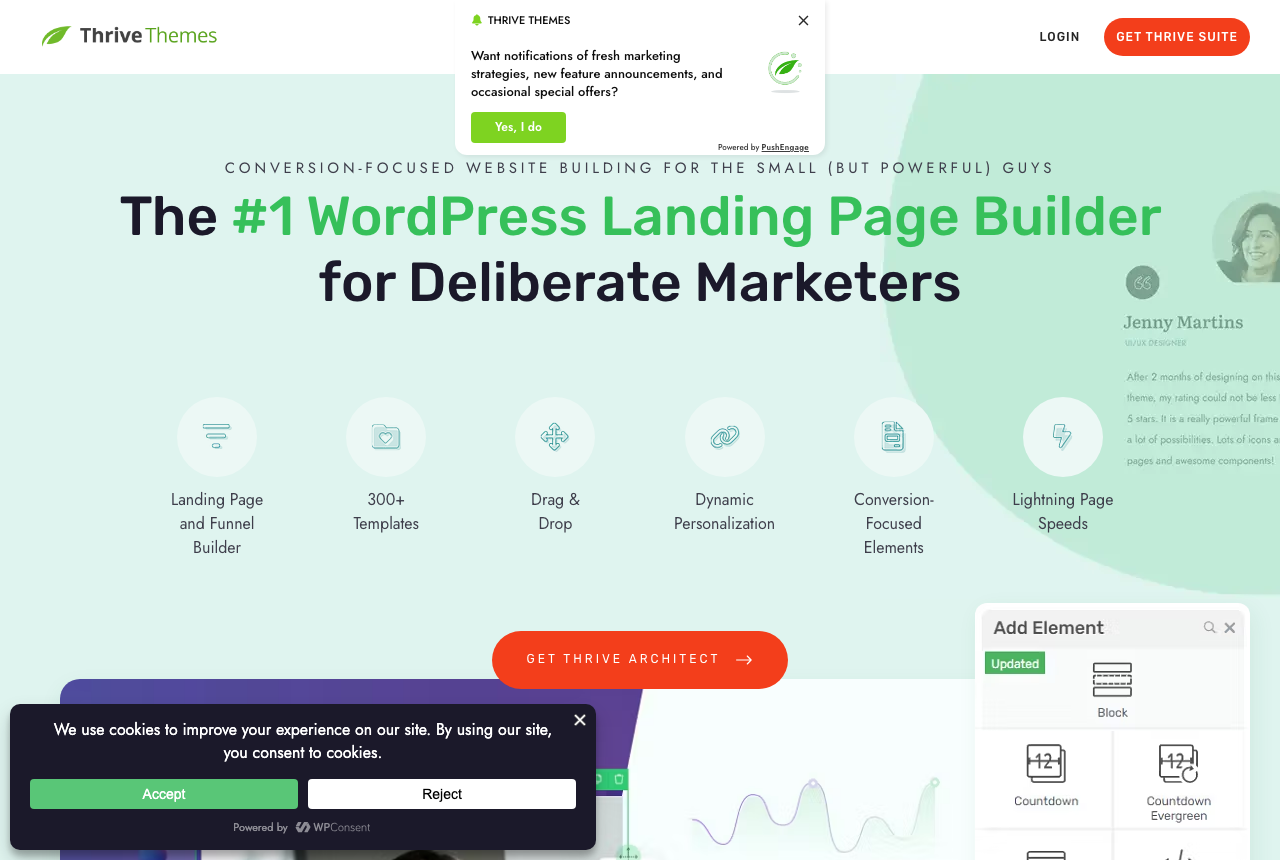
Elementor is the general-purpose default, the tool most WordPress sites already run for headers, templates and every page on the site, so a campaign page needs no new software. Thrive Architect is the marketer's tool: it hands you countdown timers, opt-in forms, testimonial blocks and sales templates aimed at getting a visitor to act, and it runs A/B tests through an add-on. For a media buyer, one feature gap decides most of it.
The one question that decides it: whole site, or conversion pages?
Answer this before you compare features. If your theme, templates and existing pages are already built in Elementor, and you want the campaign page to come from the same tool, you are Elementor's buyer, and a second builder just for landing pages is a tool you do not need. If your work is conversion pages specifically, sales pages, opt-ins and launches with timers and scarcity, and you want those elements ready-made instead of assembled from widgets, you are Thrive's buyer.
Underneath that sits the feature a paid-traffic buyer should weigh most: testing. Elementor has no built-in A/B testing at all. Thrive runs it through the Thrive Optimize add-on. If finding the angle that converts is most of your job, that gap is usually what tips the decision toward Thrive.
Elementor: the flexible builder your site probably already runs
Elementor is the default WordPress builder because it covers almost every job. Its free tier builds basic pages, and Elementor Pro adds forms, popups, dynamic modules and site-wide templates, so one tool handles your whole site and its campaign pages. Its ecosystem is the largest in WordPress, so there is a template, an add-on or a tutorial for anything you want to make. Pro starts with a one-site plan, with a three-site plan at $108 a year.
The cost shows up as weight. Reddit's 2025 verdict is blunt: Elementor is faster than it used to be, but it is still easy to ship a heavy page, and long marketing pages are where buyers report it dragging. Third-party add-on packs are the usual cause, and they multiply fast. A disciplined build on a light theme can still hit a full PageSpeed score. Keep the page simple, skip the add-on packs, and test on mobile before you point spend at it.
Thrive Architect: the marketer's conversion toolkit
Thrive Architect is built for marketers. Where Elementor hands you a flexible blank canvas, Thrive hands you countdown timers, opt-in forms, testimonial blocks and sales templates aimed at getting the visitor to act. Testing runs through the Thrive Optimize add-on, and the wider Thrive Suite folds in quizzes, scarcity campaigns and a site-wide theme under one licence, so the whole marketing stack stays with one vendor. For a buyer who builds conversion pages every week, having the scarcity and capture elements ready-made is the appeal, and it is why Thrive holds its own against the more famous tool.
The catch is the bill. The cheapest route to Architect is the Theme Builder bundle for one site. The full Suite covers five sites. Both renew at close to twice their first-year price. There is no free tier, so you cannot try the editor without paying. The renewal jump is the loudest complaint in user threads, and some buyers also report occasional bugs and the editor freezing.
The real split for a paid-traffic buyer: built-in testing
If one thing separates these two for a media buyer, it is testing, because a landing page's job is to find the variant that converts. Elementor gives you nothing native here: to A/B test a page you add a separate tool and wire it in yourself. Thrive puts testing in reach through Thrive Optimize, so you can split-test a Thrive page without leaving WordPress. For a marketer running launches and offers, that in-house testing is a genuine reason to pick Thrive.
Both tools test client-side, inside WordPress, by serving different versions of a page to different visitors. On your own site, that method works well. It matters more when the page is the target of a paid ad, which is where the third option below comes in.
Lock-in and renewal: the cost that bites in year two
The prices you compare on day one are not the prices you pay in year two, and this is where these two diverge most. Elementor's renewal is a straightforward annual bill, and if you let Pro lapse the free version still opens and edits your basic content, though the Pro-only widgets stop working. Thrive is harder to walk away from. If its licence lapses you keep your live pages but lose the ability to edit anything Thrive built, so the exit cost is rebuilding those pages in another tool. Read the second-year price before the first-year one, and decide how much of your site you want inside a tool you cannot edit for free later.
Pricing: two annual bills, and the renewal is the catch
On paper Elementor starts far cheaper, and it costs nothing at all if the free core covers your page. Pro adds the forms, popups and templates most campaign pages use. Thrive's entry bundle gets you Architect plus the theme builder, but the testing most marketers came for lives in the Thrive Suite at $299 a year for five sites. So the honest comparison is the Elementor plan you need plus a separate testing tool, against the Thrive Suite with testing included, each at its renewal price.
A third path if testing is your whole game
Both tools share the same ceiling: they build the page inside WordPress and, at best, test it client-side on your own site. For most WordPress builds that is exactly right. When the page is the target of paid ads and your profit turns on testing angles fast, on-site testing has a limit. A client-side test that changes what an ad's landing page shows, or a new variant at a new URL, can reset the ad platform's learning or send the ad back through review. ElasticFunnels is a funnel platform built for paid-traffic teams that handles that differently: its same-URL split testing rotates variants server-side under one campaign link, so Meta, Google and TikTok keep optimizing and the URL the ad points at never changes. It builds the pages too, with an AI builder that writes a page from a prompt or clones one from a URL, and it hosts its own checkout with order bumps and one-click upsells, so the page and the sale share one data layer. It starts with a 14-day free trial and takes no card.
Its drawback is that it is newer than Elementor or Thrive Architect, with very little independent review coverage to check its claims against, so until you run real volume through it you are largely relying on the vendor's word for how its split testing and reporting hold up. That is normal for a platform this young, and the builder, the same-URL testing and the checkout can all be tried inside the trial. It hosts pages on its own platform, so it suits a seller ready to move the funnel off WordPress. For pages that stay inside WordPress, these two plugins remain the direct answer.
Which one for you
You already run your whole site in one builder: Elementor. A campaign page from the tool your theme already uses is the efficient move, and starting free before upgrading to Pro is the cheapest way in. Plan for a separate testing tool and watch mobile load times.
You build conversion pages weekly and want testing in the box: Thrive Architect. Timers, opt-ins, sales templates and Thrive Optimize are made for that work. Budget for the Suite, since that is where the testing lives, and read the renewal terms and the edit lock-in first.
Your pages are paid-ad targets and testing is most of the job: look at ElasticFunnels alongside them, keeping its newness in mind, if you are prepared to run the funnel off WordPress.
Elementor is our default pick because more of this site's readers want one flexible builder for the whole site than a dedicated conversion toolkit, and its free core suits a buyer still deciding how much to commit. For a marketer who lives in conversion pages, Thrive Architect is plainly the better fit.
Elementor
What works
- The most flexible tool here: a free core plus forms, popups and reusable templates on the paid tier
- The largest ecosystem in WordPress, so templates, add-ons and tutorials are everywhere
- Cheap entry: the paid tier starts at $60/yr for one site
What to watch
- Easy to build heavy pages: extra CSS, JS and nested containers add up
- Long marketing pages are where buyers report it slowing down
- Third-party add-on packs are the usual cause of bloat, and they multiply fast
Thrive Architect
What works
- Conversion elements ship in the tool: testimonials, timers, forms and sales templates
- Thrive Optimize handles the split tests, bundled into the Suite
- One vendor for pages, forms, quizzes and scarcity, so the marketing stack stays together
What to watch
- Annual renewal jumps after year one, up to $599/yr for the five-site Suite
- When your licence expires you cannot edit Thrive-built components, which is real lock-in
- Buyers report occasional bugs and freezing, and it is WordPress-only
Pricing
Elementor: from $60/yr. Core Elementor plugin is free on WordPress.org. Elementor Pro is annual billing; dollar amounts on elementor.com/pricing load in the purchase UI. Essential (1 site) includes Theme Builder and forms but not Popup Builder, custom code, or eCommerce; Advanced Solo and higher add popups, eCommerce and form submission dashboard. 30-day money-back guarantee.
Thrive Architect: from $199/yr. Sold as Thrive Suite subscription only (Architect is not sold alone on thrivethemes.com/pricing). Yearly $299/yr introductory (normally $599/yr); quarterly $149/qtly. Includes all 8 Thrive plugins, Theme Builder, up to 5 sites. 30-day money-back guarantee. Introductory pricing renews at full price.
Prices as of 12 October 2026
Our pick
Elementor
It is the pick if you want one builder for your entire WordPress site and its campaign pages, and you are willing to keep each page disciplined. It is the most flexible tool here, but it is also the easiest to make heavy, and long pages are where buyers say it slows down.
Frequently asked questions
Which is cheaper, Elementor or Thrive Architect?
Does Thrive Architect include A/B testing and Elementor doesn't?
Which is lighter on my WordPress site, Elementor or Thrive Architect?
What happens to my pages if I stop paying?
Do I need Elementor Pro or the Thrive Suite for campaign pages?
Sources
Other sources
3 discussions and reviews read for this page. Quotes are excerpts; open a link to read the original in context.
- [reddit-bloat] Is Elementor Pro still bloated trash? : r/Wordpress
- [reddit-heavy] Is Elementor slow? : r/Wordpress
- [reddit-100score] PageSpeed Insights Results... with Elementor : r/Wordpress

Written by
Dana Rourke
Lead reviewer
Dana Rourke is the lead reviewer at Campaign Buyer. She owns the tracker and attribution coverage: reading what long-term users report about each tool, checking its documentation and pricing, and verifying prices with the vendor before writing the verdict. Keeping the rankings honest mostly means writing down what the top pick gets wrong, so she does that first.
Last checked 2026-09-23