Head-to-headmedia buyer software
Leadpages vs Instapage
By Dana Rourke, Lead reviewer. Reviewed by Campaign Buyer Editorial. Updated 24 September 2026.
Quick answer
Pick Leadpages if you want predictable, uncapped pricing and built-in A/B testing on the entry plan for straightforward lead-gen and paid-traffic pages; pick Instapage if you run an agency or enterprise team that needs collaboration, server-side testing and ad-to-page personalization, and can justify the Optimize tier to get them.
Side by side
| Leadpages | Instapage | |
|---|---|---|
| What it is | Hosted lead-capture builder | Hosted platform for ad teams |
| Best for | Budget and lead-gen buyers | Agencies and enterprise teams |
| Entry price | $99/mo Grow | $99/mo Create |
| A/B testing on entry plan | Yes, 6 variants | No, on Optimize ($199) |
| Dynamic text replacement | Yes, on Grow | Yes, on Optimize |
| Visitor caps | None | 15k Create, 30k Optimize |
| Team collaboration | Basic | Its main strength |
If you are down to Leadpages and Instapage, you have already settled the hard part: you want a standalone hosted landing page builder, separate from WordPress or your store. Both host the page on their own servers, both are built for paid traffic, and both do drag-and-drop building, A/B testing and analytics. So they do the same job at very different price points and team sizes, and the honest question is which one fits you.
Leadpages is the one most solo buyers and small teams settle on, because the cost is predictable and the testing is included. Instapage is the one agencies and enterprise media teams reach for, because collaboration, server-side testing and ad-to-page personalization are what it is built around, and it charges accordingly. Overpaying for a team platform you run alone wastes money, and outgrowing a value tool mid-campaign wastes time. Match the tool to how you work, and the rest of this is detail.
The one question that decides it: are you one buyer or a team?
Answer that before you compare a single feature. If you are one person or a small shop shipping lead-gen and campaign pages, and you want the bill to stay flat while traffic moves around, you are Leadpages' buyer. If you have a designer, a media buyer and a client or manager who all approve pages, and you need reusable blocks, workspaces and personalization across many campaigns, you are Instapage's buyer, and you can justify its Optimize tier. The two tools start at a similar price, but what that price buys, and where the real features sit, is where they split.
Leadpages: predictable cost and testing on the entry plan
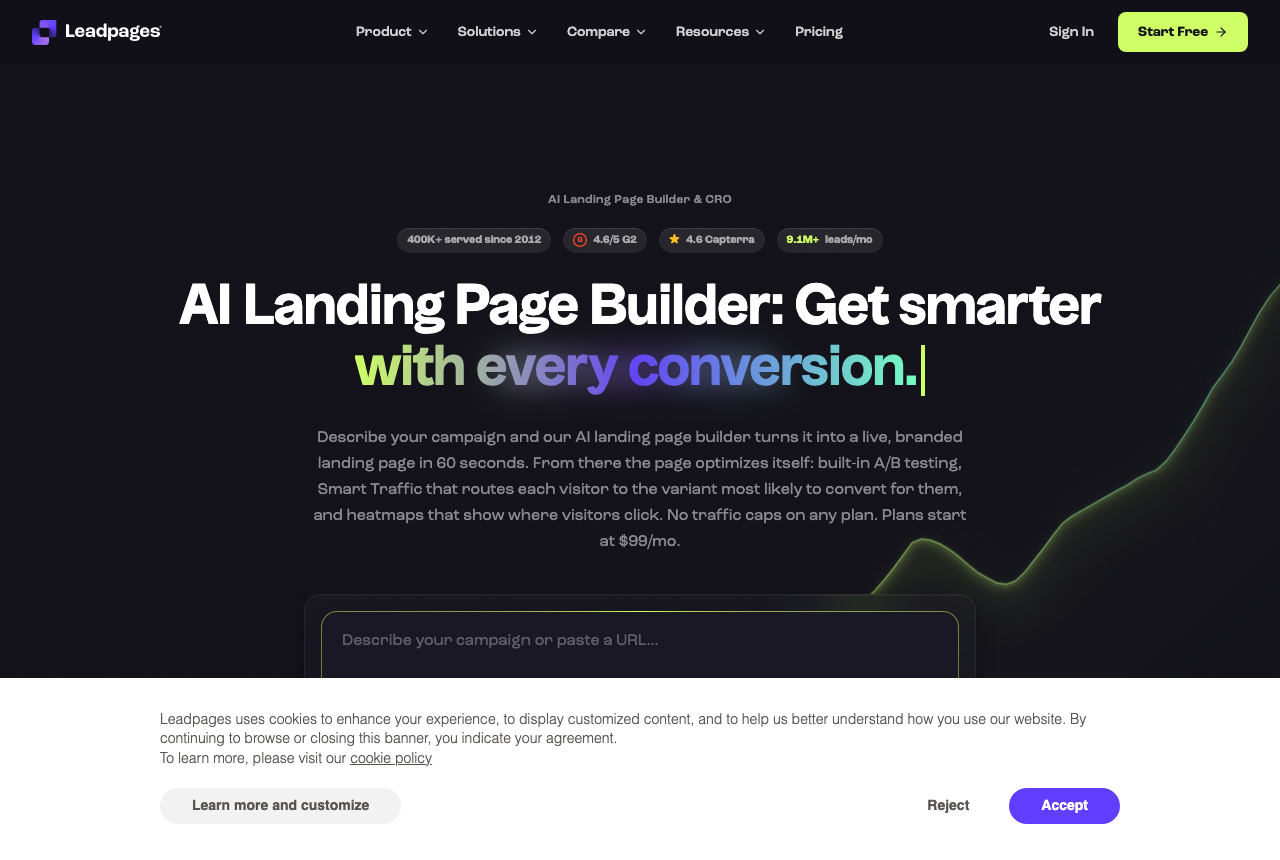
Leadpages wins on the math most buyers actually care about: cost you can predict. You never hit a visitor cap or an overage fee, so a page that suddenly takes off does not trigger a surprise bill. The Grow plan includes A/B testing up to six variants, headline swaps that match the page to the visitor's search term, and unlimited pages. For a lead-gen or budget-conscious buyer, that combination is the safest place to start, and agency users say the builder is simple enough that junior staff can ship decent pages without much training.
What you give up is depth for big teams and big accounts. Smart Traffic, heatmaps and multivariate tests only arrive on the Optimize plan, and the collaboration tools are basic next to Instapage's. Support quality is a recurring gripe in the threads, and older reviews grumble that it feels expensive next to a WordPress builder like Elementor. For a buyer who wants pages that convert and a bill that does not move, those are acceptable trade-offs.
Instapage: collaboration and personalization for a team
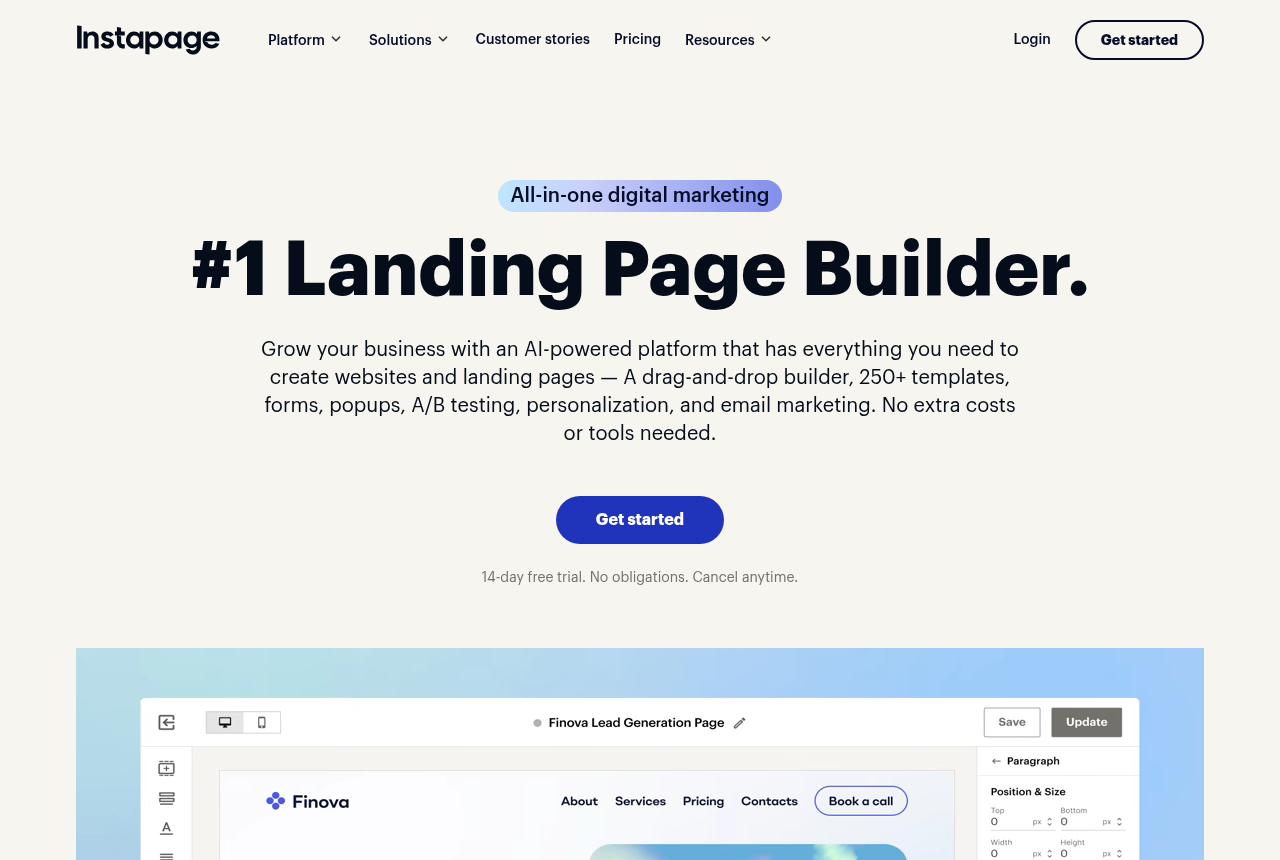
Instapage is designed for a team that ships pages together. Its strengths are collaboration and approval workflows, A/B tests that run on its servers, multi-step forms and ad-to-page personalization through AdMap. An agency shipping pages for many clients, or an enterprise media team that needs governance and review, gets real value from that stack, and its editor has long been praised as one of the most intuitive in the category.
The catch is where the features live and what they cost. Instapage has drifted firmly upmarket: Create is its entry plan, Optimize is $199, and Convert is a custom quote, with visitor caps of 15,000 a month on Create and 30,000 on Optimize. For a paid-traffic buyer, the server-run experiments and keyword-matched headlines you are probably here for both start on Optimize. Reviewers who once loved it now call the pricing prohibitive for freelancers and small businesses, and one G2 summary flags frequent price-hike complaints. Instapage earns its price when the approval process is what slows a team down, and it is hard to justify when you are one person.
The real split: what the plan you buy includes
If a single line separates these two for a paid-traffic buyer, it is what you get on the plan you actually sign up for. Leadpages puts A/B testing and keyword-matched headlines on Grow, with no visitor cap to burn through. Instapage's testing is more capable once you reach it, because it splits traffic on the server instead of in the browser, but it sits on the Optimize tier along with its headline matching. So the buyer who wants to test from day one without paying enterprise money is a Leadpages buyer, and the buyer who needs heavier experiments and personalization across a large ad account, and has the budget, is an Instapage buyer.
Pricing: a similar door, a different room
Both start at the same monthly price, so the entry figure tells you little. Leadpages keeps the bill flat: no visitor caps, no overage, testing included on Grow. Instapage's real cost shows up as you scale, because the features and the visitor headroom you need push you to Optimize and beyond, and Convert is a sales call rather than a number. Compare the two on the plan that carries the features you need.
A third path if you host your own checkout
Both tools build and host the landing page and pass the visitor to whatever takes the payment, which is right for most lead-gen and click-through campaigns. If you run your own offer and the money is in the checkout, the order bumps and the upsells, a landing page builder leaves that half to a second tool. ElasticFunnels is a funnel platform for teams running paid traffic that covers both halves. Its AI builder writes a page from a prompt or clones one from a URL, and it split-tests variants under one URL so Meta, Google and TikTok keep their learning and a test never sends the ad back for review. It also hosts the checkout with order bumps, one-click upsells and multi-account routing, and keeps the clicks, orders and refunds on one timeline. It starts with a 14-day free trial that takes no card, on plans from $97 a month plus 0.5% of revenue processed through its hosted checkout.
Its drawback is a short public record: it is newer than Leadpages or Instapage, with very little independent review coverage to check its claims against. That is normal for a platform this young, and the no-card trial lets you build one funnel on it before you pay. It also replaces the checkout you use now, so it suits a seller who wants page and checkout in one tool. For a hosted page in front of a checkout you are keeping, the two builders here remain the direct answer.
Which one for you
You are a solo buyer or small lead-gen shop on a budget: Leadpages. Predictable, uncapped pricing with six-variant A/B testing and headline matching on Grow is what you are paying for, and you will not miss the enterprise workflow you would not use.
You run an agency or enterprise media team with the budget: Instapage. Collaboration, approvals, server-run tests and AdMap personalization justify the Optimize tier once a whole team ships pages against many campaigns. Price the plan that carries those features.
You host your own offer and the checkout is where your margin lives: look at ElasticFunnels alongside them, with its thin outside track record in mind, if you want the page and the checkout in one platform.
Leadpages
What works
- Unlimited traffic on every plan, so a page that takes off never triggers an overage bill
- A/B testing and ad-matched headlines arrive on Grow, the first testing plan, at $67 a month billed annually
- Unlimited pages and a fast, simple builder
What to watch
- Fewer advanced page-optimization controls than a specialist like Unbounce, and no CRM or native email, so follow-up lives in another tool
- Older complaints about price jumps versus a WordPress page builder
- Support quality is a recurring gripe
Instapage
What works
- Strong collaboration and approval workflows for teams and clients
- Server-side A/B testing and multi-step forms from the Optimize tier
- Ad-to-page personalization (AdMap) at the top tier
What to watch
- Priced for enterprise: the $99 entry rises fast and Convert is custom-quoted
- Visitor caps on the Create and Optimize plans
- Overkill for a solo buyer or a small lead-gen shop
Pricing
Leadpages: from $29/mo. Publishing plans: Pro $29 a month and Business $49 a month, about $20 and $33 billed annually. Testing plans: Grow $99 a month ($67 billed annually), Optimize $199 ($135 billed annually) and Scale $399. Every plan has unlimited traffic. Manual A/B testing and dynamic text replacement start on Grow. Smart Traffic, heatmaps and multivariate testing start on Optimize. The 7-day trial takes a card at signup.
Instapage: from $99/mo. Create is $99 monthly or $79 per month billed annually for 15,000 monthly visitors. Optimize is $199 monthly or $159 per month billed annually for 30,000 monthly visitors and adds server-side A/B testing. Convert uses custom pricing.
Prices as of 12 October 2026
Our pick
Leadpages
Leadpages is the pick if you want predictable cost, no surprise caps, and experiments without paying enterprise money.
Frequently asked questions
Which is cheaper, Leadpages or Instapage?
Is Leadpages or Instapage cheaper to run?
Does Leadpages have A/B testing?
Which one is better for Google Ads message match?
Should a solo media buyer pay for Instapage?
Sources
Other sources
2 discussions and reviews read for this page. Quotes are excerpts; open a link to read the original in context.

Written by
Dana Rourke
Lead reviewer
Dana Rourke is the lead reviewer at Campaign Buyer. She owns the tracker and attribution coverage: reading what long-term users report about each tool, checking its documentation and pricing, and verifying prices with the vendor before writing the verdict. Keeping the rankings honest mostly means writing down what the top pick gets wrong, so she does that first.
Last checked 2026-09-24