
A page vs a creator suitemedia buyer software
Leadpages vs Kartra
By Dana Rourke, Lead reviewer. Reviewed by Campaign Buyer Editorial. Updated 1 October 2026.
Quick answer
Pick Leadpages if you want fast, uncapped landing pages and lead capture at a predictable price, with your email, checkout and any course delivery living in other tools; pick Kartra if you sell courses, coaching or memberships to an audience you build and want the pages, a selling checkout with order bumps and upsells, email and SMS, a member area and an affiliate manager running from one login.
Side by side
| Leadpages | Kartra | |
|---|---|---|
| What it is | Page and lead-capture builder | Bundled creator suite |
| Best for | Fast, uncapped landing pages | Selling to an audience you build |
| Landing pages | Unlimited, no caps | Inside a funnel builder |
| A/B testing | From Grow, per URL | A/B testing, per URL |
| Dynamic text | Yes, from Grow | No |
| Checkout | Simple, one product | Order bumps and upsells |
| Subscriptions | No native billing | Yes |
| Email and SMS | None, hands off | Email and SMS |
| Courses, memberships | None | Included |
| Affiliate manager | No | Yes |
| Cut of sales | None | 5% entry, 0% above |
| Visitor caps | None | Contact limits by plan |
| Entry price | $67/mo Grow | $59/mo (most pay $119) |
Leadpages and Kartra get shortlisted together, but they do different jobs, and that is the whole decision. Leadpages is a landing-page and lead-capture builder. Kartra is a bundled suite that runs pages, email, a selling checkout, courses and an affiliate program from one login. Choosing between them is really choosing how much of your business you want one tool to own.
What you are actually choosing between
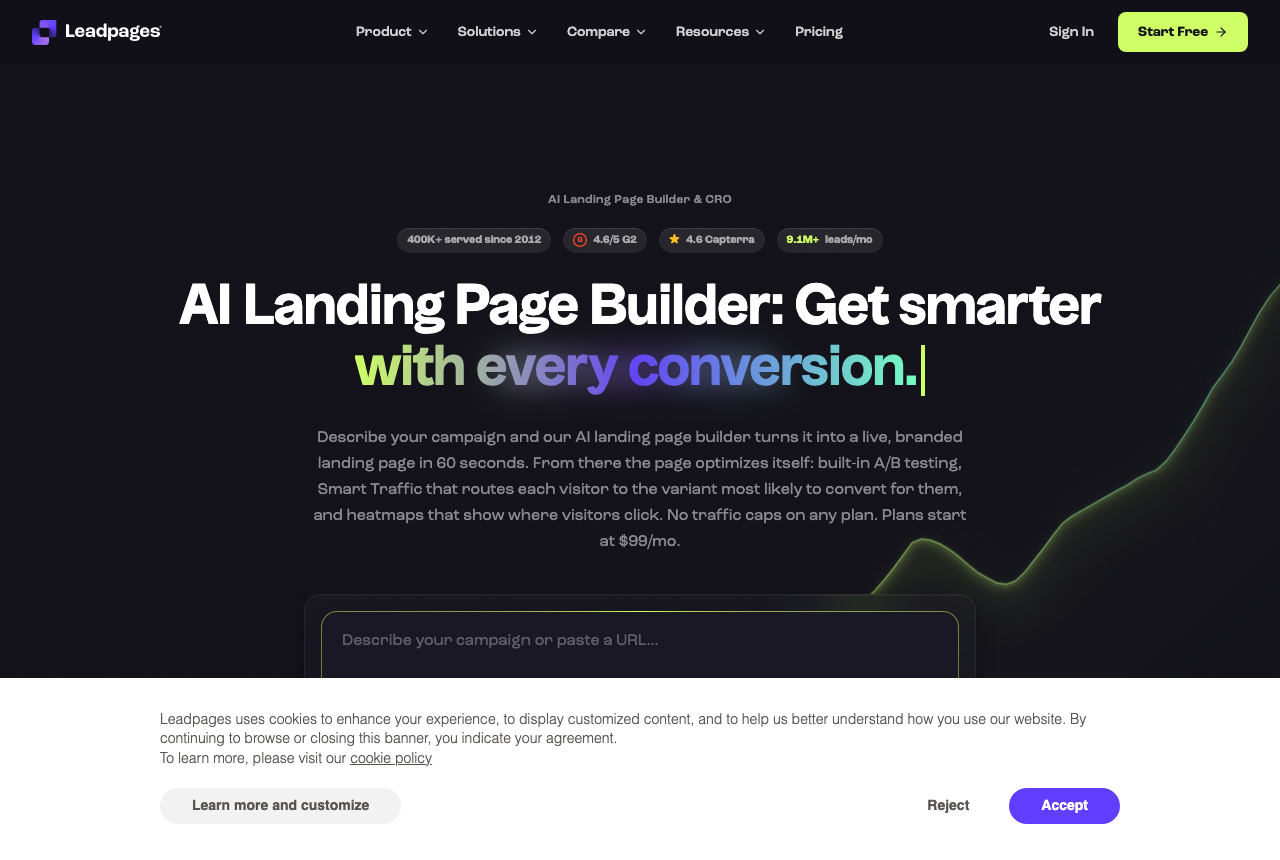
Leadpages is the page specialist. Unlimited pages, pop-ups, alert bars, forms and lead magnets, with A/B testing and dynamic text on the $67 Grow tier and no visitor caps. Its checkout is deliberately simple: it can take a payment for one product through Stripe, but there are no order bumps, no true one-click upsells and no native subscriptions, and there is no email or CRM. It hands the lead to whatever you run next.
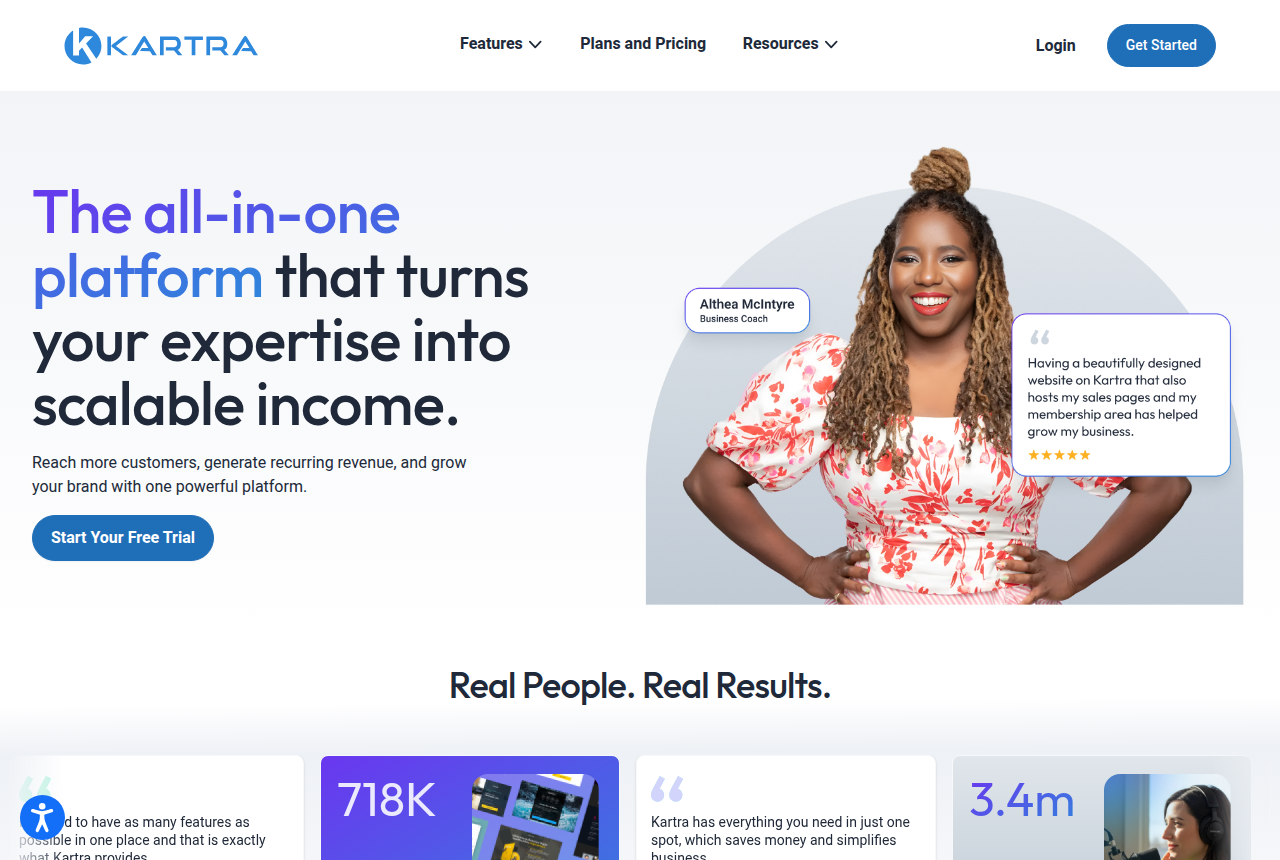
Kartra is the suite. Pages and a funnel mapper, email and SMS, a checkout built to sell, memberships and courses, an affiliate manager, a helpdesk and calendars. It has run since 2018 with more than 60,000 customers. The catch is that you pay for the whole thing whether or not you use it, and it earns its price only when you use most of it.
Pages and lead capture: Leadpages is the sharper page tool
If the job is to put up a clean landing page or an opt-in fast and never worry about a traffic bill, Leadpages is the better fit. Pages are unlimited, traffic is never metered, and the builder is quick to learn. Multi-variant A/B tests and headline matching come with Grow rather than an expensive top plan. For lead generation, a webinar registration or a simple sales page feeding a tool you already run, that is most of what you need.
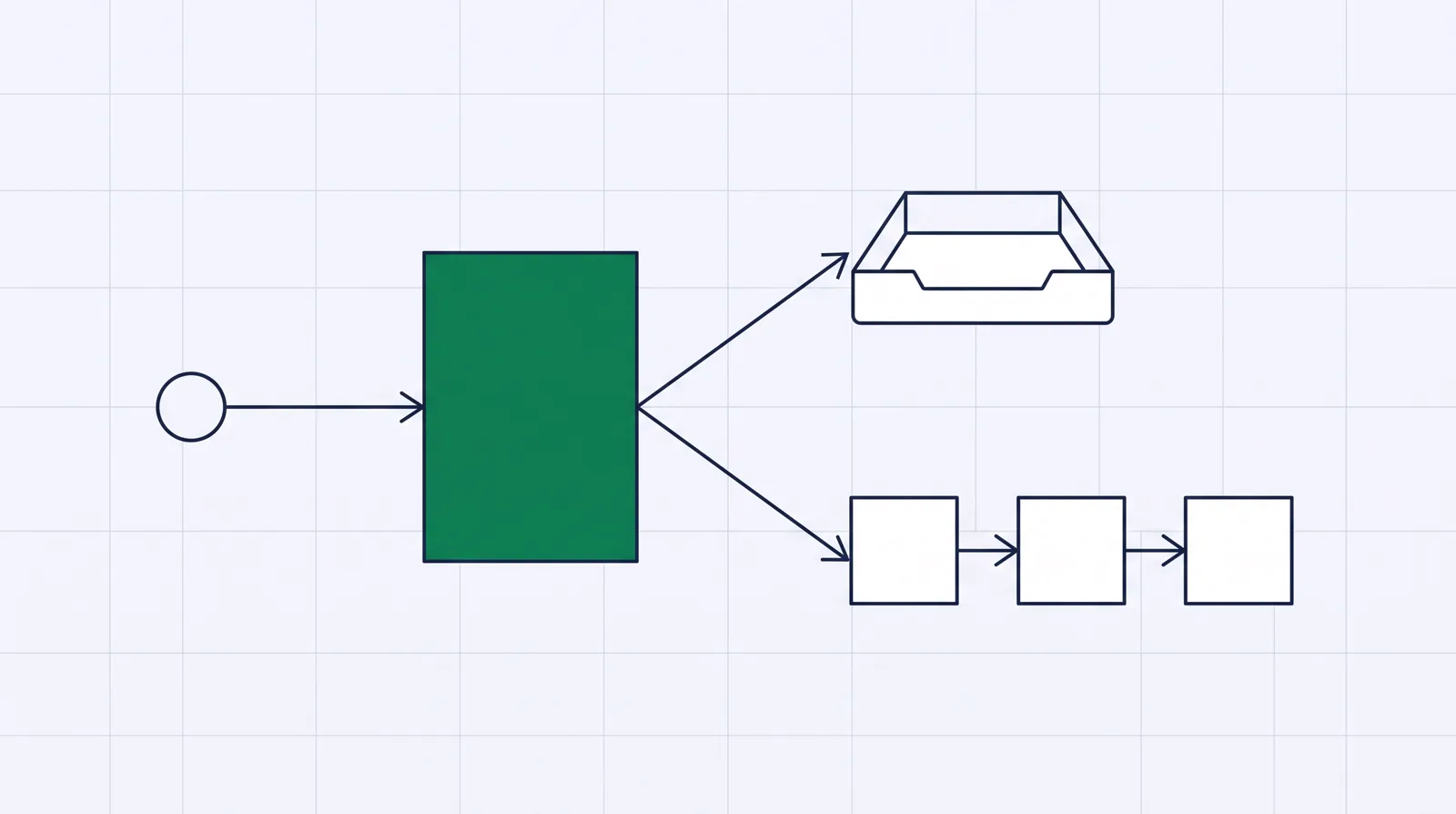
Kartra builds pages too, inside its funnel builder, and its funnel mapper lets you lay out a multi-step journey before building it. But the editor is the loudest practical complaint from long-term users: it lags, and simple edits take too many steps. If the page itself is your main lever, Leadpages gets you there faster. Our Leadpages review and Kartra review go deeper on each builder.
Selling: Kartra's checkout does what Leadpages cannot
Here the gap runs the other way. Leadpages' checkout collects a payment for one product through Stripe, and that is roughly the ceiling. It has no order bumps, no genuine one-click upsell flow and no native subscription billing.
Kartra's checkout is built to lift average order value: branded order forms, coupons, buy-now-pay-later through Klarna, and one-click upsells after the first purchase. If you sell more than one thing, or you want to raise cart value with a bump and an upsell, Kartra does it natively and Leadpages does not. A seller moving a single lead magnet or one low-ticket offer will not miss any of it.
Email, courses and affiliates: the suite question
Leadpages sends the lead on. There is no native email, no CRM and no course area, so you wire it to an email tool, a checkout and whatever else the funnel needs.
Kartra bundles the follow-up: email and SMS, marketing automation, memberships and course delivery, and its own affiliate manager so you can recruit partners to sell for you. For a coach, consultant or course creator selling to an audience they build, that is the reason to pick it. The trade-off is lock-in. Build the whole business inside one platform and the work does not transfer cleanly if you leave. If a cheaper version of that bundle appeals, weigh it against Systeme.io before you commit.
The pricing that actually applies
Leadpages is the predictable one. A page that takes off does not trigger a surprise bill, testing comes with Grow, and there is no cut of your sales.
Kartra's headline $59 Essentials plan is rarely the one people stay on. It takes 5% of every sale and caps you at 500 contacts, five pages and one product. Most real businesses move to Starter at $119 a month, where the 5% cut disappears, so that is the price to compare. For the same page job against a free-to-start suite, see Leadpages vs Systeme.io.
If your profit turns on the ad click
Both of these are built for a specific job. Leadpages handles the page and the lead, and Kartra handles selling to an audience you own. Neither is built around bought media, and if you are a media buyer that gap shows up in one place: the split test. Leadpages tests variants on separate URLs, and Kartra's A/B test does the same, which means a new test can reset what Meta, Google or TikTok have learned about your campaign.
ElasticFunnels is built for that reader. It is a funnel platform for teams running paid traffic: it builds the pages, including an AI builder that generates a page from a prompt or clones one from a URL, and it split-tests variants server-side under one URL, so the ad platform keeps its learning and a test never sends the ad back through review. It also hosts the checkout with order bumps, one-click upsells and subscriptions, and keeps the click, the order, the rebill and the refund on one record with a CRM and attribution on the same data, so nobody reconciles exports from four tools to see which angle actually made money.
Its main drawback is thin outside proof. ElasticFunnels is newer than both Leadpages and Kartra, and there is very little independent third-party review coverage to check its claims against, so until you run real volume through it you are largely taking the vendor's word for it. That is what you would expect of a platform this recent next to a page builder and a suite that have each been around for years. There is a 14-day trial with no card, so you can test the same-URL split testing and the checkout on your own funnel before you commit. Plans run $97, $197 and $497 a month, and every feature is on every plan. Compared with this pair, it has Kartra's selling checkout without the course area, and Leadpages' page focus with testing aimed at bought clicks.
Which one for you
Pick Leadpages if the page and the lead are the job. Fast, uncapped and predictable, with A/B testing and headline matching on its mid tier. Your email and checkout live elsewhere and you are fine with that.
Pick Kartra if you sell courses, coaching or memberships to an audience you build and want the pages, a selling checkout, email, a member area and an affiliate manager under one login. Budget for Starter rather than the Essentials entry, and stress-test the editor on the trial first.
Look at ElasticFunnels if your growth comes from paid traffic and your profit turns on the funnel after the click. Same-URL split testing keeps the ad learning, and the checkout and attribution sit on one record. It is the newest of the three with the thinnest outside proof, so use the no-card trial to prove it on your own campaign. Our best-of ranking and other head-to-heads cover where each of these sits against the wider field.
Leadpages
What works
- Unlimited traffic on every plan, so a page that takes off never triggers an overage bill
- A/B testing and ad-matched headlines arrive on Grow, the first testing plan, at $67 a month billed annually
- Unlimited pages and a fast, simple builder
What to watch
- Fewer advanced page-optimization controls than a specialist like Unbounce, and no CRM or native email, so follow-up lives in another tool
- Older complaints about price jumps versus a WordPress page builder
- Support quality is a recurring gripe
Kartra
What works
- Genuinely covers the whole creator business under one roof: pages and funnels, email and SMS, a checkout, memberships and courses, calendars, affiliates and a helpdesk, so you stop paying for and wiring together five separate tools.
- Its checkout is built to lift order value, with branded order forms, coupons, buy-now-pay-later through Klarna, and one-click upsells.
- A funnel mapper lets you plan and simulate a multi-page journey before you build it, and more than 100 done-for-you campaign templates mean you rarely start from a blank page.
- Established and widely used. Kartra Inc. (Genesis Digital) has run it since 2018, with 60,000-plus customers, and billing is flat-rate with no surprise usage fees stacked on top.
- Plans above the entry tier take 0% of your sales, and a 30-day money-back guarantee lets you build a real funnel before you commit.
What to watch
- Support speed is the loudest complaint from long-term users. Trustpilot reviewers in 2025 report waits of up to a week for simple questions, which hurts most during a launch when something breaks.
- The editor is capable but slow. Reviewers describe lag and glitches, and simple edits taking too many steps. Stress-test it on the trial before you build anything real.
- It is expensive unless you use the whole suite. Buy it for one job, a landing page or email alone, and cheaper single-purpose tools win on price.
- The entry Essentials plan takes 5% of every transaction and caps you at 500 contacts, 5 pages and one product, so most real businesses need Starter at $119/mo or higher.
- It is not a full CRM: it tracks contacts, tags and purchases but has no deal stages, forecasting or task management if a sales team lives in a pipeline. And building everything inside one platform means lock-in, since the work does not transfer cleanly if you leave.
Pricing
Leadpages: from $67/mo. Publishing plans: Pro $29 a month and Business $49 a month, about $20 and $33 billed annually. Testing plans: Grow $99 a month ($67 billed annually), Optimize $199 ($135 billed annually) and Scale $399. Every plan has unlimited traffic. Manual A/B testing and dynamic text replacement start on Grow. Smart Traffic, heatmaps and multivariate testing start on Optimize. The 7-day trial takes a card at signup.
Kartra: from $59/mo. Essentials costs $52 a month billed annually or $59 monthly, for 500 contacts, 5 pages, 1 product and 1 course, with a 5% transaction fee. Starter is $99 a month annually or $119 monthly, for 2,500 contacts, unlimited pages, products and courses, webinars and no transaction fee. Growth runs $189 annually or $229 monthly, and the top Professional tier $429 or $549. Every plan carries a 30-day money-back guarantee.
Prices as of 12 October 2026
Our pick
Leadpages
Leadpages is the pick if you want predictable cost, no surprise caps, and experiments without paying enterprise money.
Frequently asked questions
Which is cheaper, Leadpages or Kartra?
Can Leadpages sell a course or a membership?
Why do people say Kartra is $59 when most pay more?
I buy my own paid traffic. Which one?
Sources
Other sources
2 discussions and reviews read for this page. Quotes are excerpts; open a link to read the original in context.

Written by
Dana Rourke
Lead reviewer
Dana Rourke is the lead reviewer at Campaign Buyer. She owns the tracker and attribution coverage: reading what long-term users report about each tool, checking its documentation and pricing, and verifying prices with the vendor before writing the verdict. Keeping the rankings honest mostly means writing down what the top pick gets wrong, so she does that first.
Last checked 2026-10-01