Head-to-headmedia buyer software
PageFly vs GemPages
By Dana Rourke, Lead reviewer. Reviewed by Campaign Buyer Editorial. Updated 24 September 2026.
Quick answer
Pick PageFly if you run a smaller Shopify store on a budget and want the cheapest capable, well-documented builder for a handful of campaign and product pages; pick GemPages if you run paid traffic and want the conversion funnel built in, the advertorial pre-sale page, offer A/B testing and post-purchase upsells, and will keep it to campaign pages rather than your whole store.
Side by side
| PageFly | GemPages | |
|---|---|---|
| Best for | Smaller stores on a budget | Paid-traffic stores testing offers |
| Pricing model | Monthly tiers, page caps | Monthly only, upsells metered |
| Conversion funnel tooling | Basic, general-purpose | Advertorial to upsell, built in |
| Offer A/B testing | Thinner, on higher tiers | Built in |
| Post-purchase upsells | Needs a separate app | Native, but metered |
| Shopify App Store reviews | ~5,700, most in class | 4.9 stars, ~4,246 |
| Mobile page weight | Heaviest measured | Also flagged heavy |
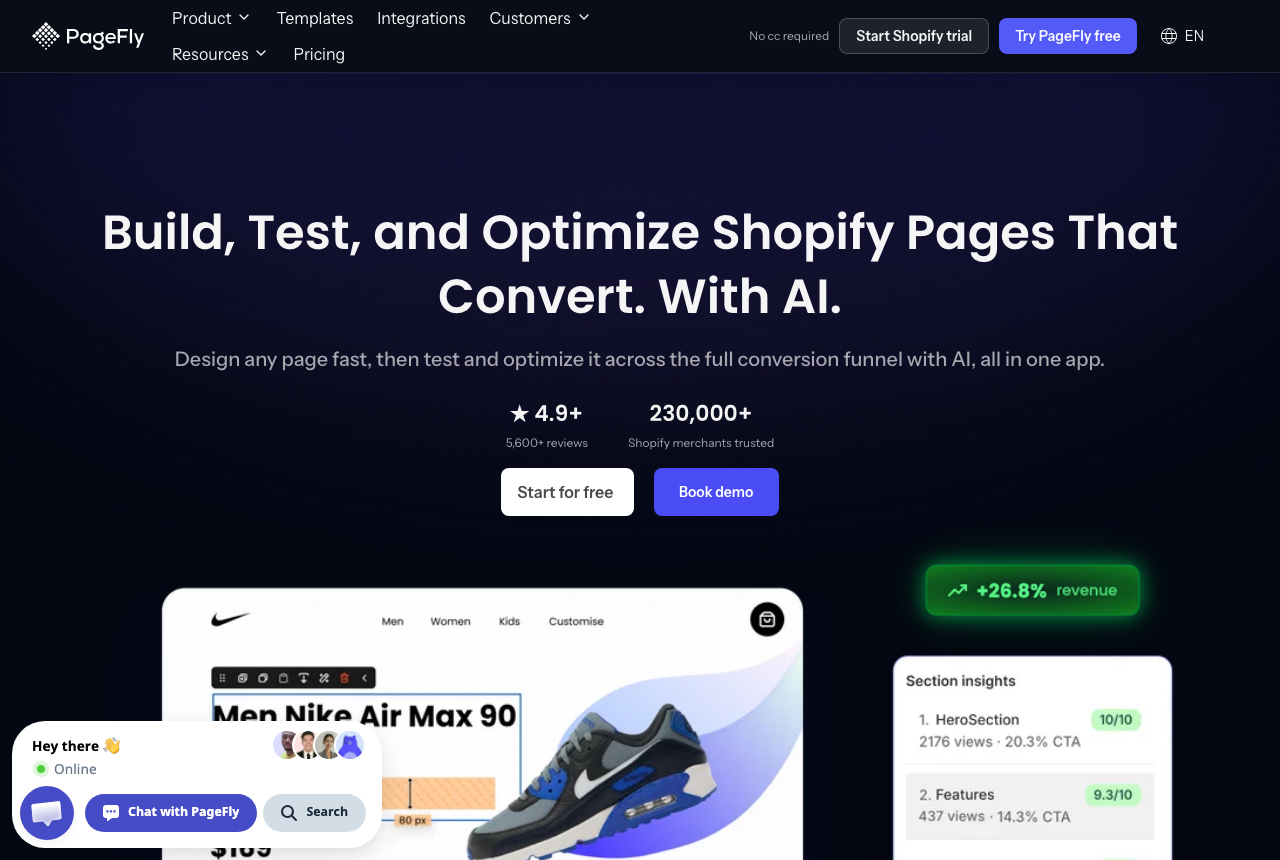
If you are down to PageFly and GemPages, you have already settled on an on-store Shopify builder. Both install as Shopify apps, render pages inside your theme, read your live product and cart data, and hand the visitor into native checkout without a detour. So the choice is between two builders aimed at slightly different jobs, and the useful question is which job is yours.
Price will not settle this pair. The entry plans sit a few dollars apart, close enough that the bill will not decide it. What separates them is what you need the builder to do. PageFly is the cheap, flexible default most stores start on. GemPages is built around the conversion funnel a paid-traffic store actually runs.
The one question that decides it: do you need the funnel, or just the pages?
Answer that before you compare a single feature. If you run paid traffic and your profit turns on a pre-sale page, an offer test and a post-purchase upsell working together, you are GemPages's buyer. If you run a handful of landing and product pages, ship a new one every few weeks, and want a capable builder with the deepest template library and the most support answers, you are PageFly's buyer. Both are good at what they are for. The mistake is paying for funnel tooling you will not run, or reaching for the general-purpose builder when your money is made in the funnel.
GemPages: the conversion-focused builder for paid traffic
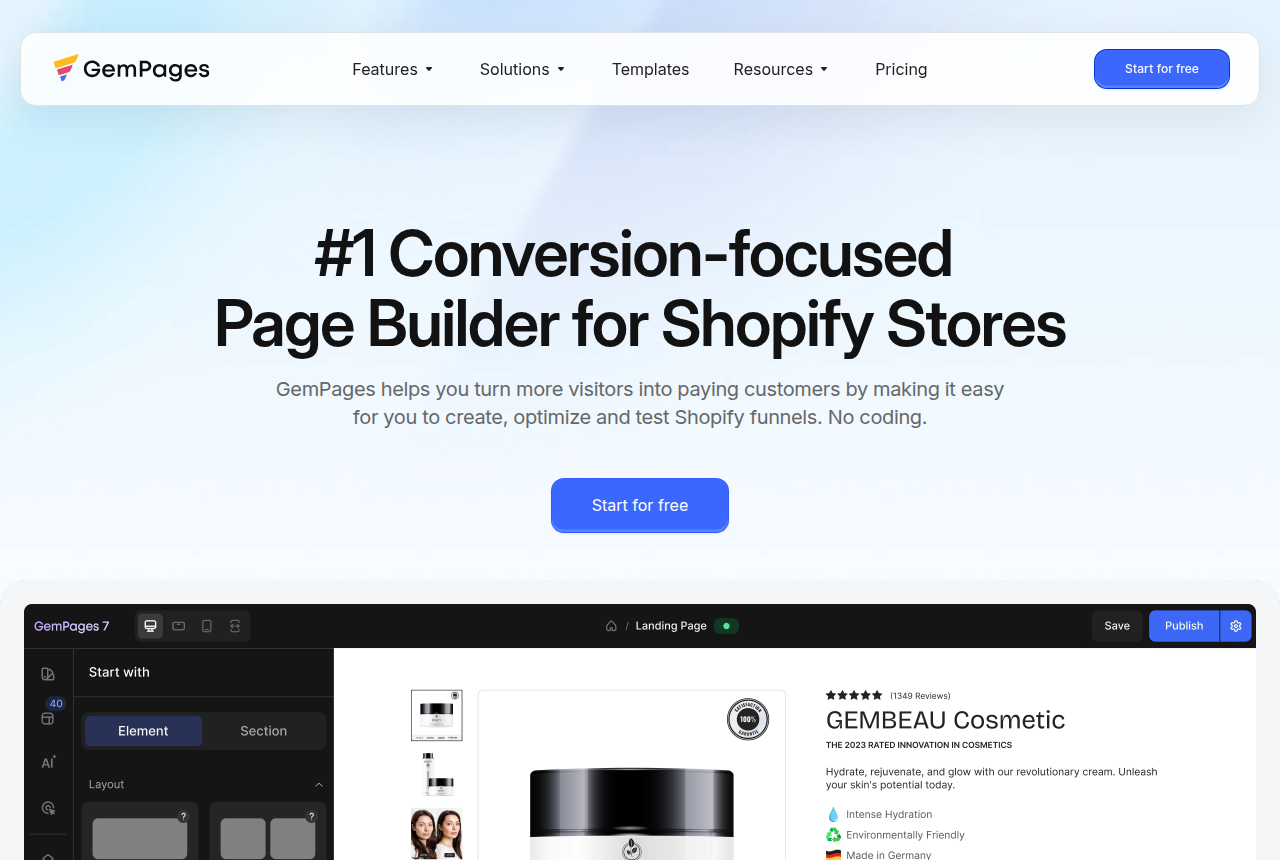
GemPages is the on-store builder that treats the ad funnel as one object. The advertorial or listicle pre-sale page, the sales page, offer A/B testing and the post-purchase upsell all live in the one app, where other stores would assemble them from three. For a media buyer pointing cold traffic at a Shopify store, that is the shape you want: warm the visitor on a pre-sell, test which offer converts, then lift average order value on the thank-you page, all reading live product data.
Its editor is also the easier of the two. GemAI turns a reference image into an editable layout, the template library runs past 400, and CRO elements like a countdown timer, a stock counter and a popup come standard, so you add urgency without a second app. It holds a 4.9-star rating on the Shopify App Store across several thousand reviews, so the funnel tooling sits on an editor buyers already like.
GemPages has two costs a paid-traffic buyer should weigh. The recurring complaint is front-end speed: reviewers report pages loading slowly, one describing a product page that took 15 to 20 seconds, and ads are judged on the slowest quarter of loads. The upsell is also metered on every plan below Enterprise, either by a monthly volume cap or by a commission on upsell revenue, so read the terms on the plan you would buy before you count that money.
PageFly: the value default most stores start on
PageFly is the default first builder for a Shopify store, and it earns that. It has the lowest entry price here, the free tier covers a single published page, and it is the most-reviewed app in the category by a wide margin, so whatever you are building, someone has already posted a template or a walkthrough for it. Its drag-and-drop editor covers product, offer and section layouts without touching code. For a store shipping a few pages a month, that breadth and that documentation are worth more than a funnel feature you would open twice a year.
A conversion-led advertiser runs into two limits. Testing and analytics are thinner than GemPages's and lean on higher tiers, and post-purchase upsells need a dedicated upsell app. The cheaper plans also cap how many pages you can keep published at once, a limit buyers report discovering after launch, when the upgrade feels forced.
Both are heavy, so the discipline is the same
Speed will not separate these two. Every on-store builder adds front-end weight, and both of these do. In a public before-and-after test on a clean theme, PageFly added the heaviest payload of the builders measured, close to 350 KB and several hundred milliseconds of mobile load, and GemPages draws the same slow-page complaint from its own reviewers. Whichever you buy, use the builder for the campaign and landing pages that change often, keep your core theme, product pages and collections native, and test the built page on a throttled mobile connection before you point spend at it. Ad platforms weigh the slowest loads heavily, so the phone test is the one that matters.
Pricing: close at the door, different further in
Both offer a free plan that publishes one live page, so you can build before you pay, and the paid entry tiers are a few dollars apart. The gap opens above that, on different things. PageFly's higher tiers mostly lift the published-page cap. GemPages's Optimize and Enterprise tiers are where the upsell metering eases and finally clears. New GemPages customers can no longer choose annual billing either, so the monthly figure is the one you pay. Price each on the plan your funnel actually needs, since the limits that bite sit above each tool's entry tier.
A third path if you would rather run your own checkout
PageFly and GemPages both end where Shopify's checkout begins, and for most stores that is the right place to stop. A store whose margin depends on the checkout step, with order bumps, one-click upsells that skip GemPages's metering, subscription dunning, or charges routed across several merchant accounts, needs a tool that owns that step too. ElasticFunnels is a funnel platform that builds the pages, including an AI builder that writes a page from a prompt or clones one from a URL, runs same-URL split tests so a variant test never changes the campaign link or sends the ad back through review, and hosts its own checkout with order bumps, one-click upsells and multi-account routing. It offers a 14-day free trial with no card.
Its drawback is age. ElasticFunnels is newer than PageFly or GemPages and has very little independent review coverage, so until you run real volume through it you are taking the vendor's word on how it performs, which is expected of a platform this new and is what the no-card trial is for. It also replaces Shopify's native checkout instead of working inside your theme, so it suits only a seller who wants to leave that checkout behind. For building pages inside a Shopify store, the two apps here remain the direct answer.
Which one for you
You run paid traffic and your money is made in the funnel: GemPages. The advertorial pre-sale, offer A/B testing and post-purchase upsell are built into one tool, and for a store that lives on ads that loop is worth more than PageFly's larger template library. Read the upsell metering on your plan and test your pages on a phone before you scale spend.
You run a smaller store on a budget: PageFly. It is the cheapest capable builder here, the most documented by far, and it covers product, offer and section pages without code. Start on the plan that keeps enough pages published, and know that if your funnel and testing needs grow, GemPages is the natural next step.
Your profit turns on the checkout step: look at ElasticFunnels alongside them, with the newness caveat above in mind, but only if you are prepared to run your own checkout instead of Shopify's.
PageFly
What works
- Cheap to start: plans open at $24/mo, and a free tier covers a single published page
- The most-reviewed builder on the Shopify App Store, so templates, guides and support answers are easy to find
- Flexible drag-and-drop that handles product detail pages, offers and theme sections without code
What to watch
- Lower plans cap how many pages stay published at once, and buyers report hitting that ceiling after launch as a forced upgrade
- In a public before-and-after test it added the heaviest payload of the builders measured, near 350 KB and several hundred milliseconds of mobile load
- Testing and analytics are thinner than Replo's, so heavy experimenters outgrow it
GemPages
What works
- Built around conversion: a pre-sale advertorial or listicle page, the sales page, upsells and offer A/B testing sit in one funnel inside the app.
- Easy to build without code, with a 400+ template library and GemAI that turns a reference image into an editable layout. It holds a 4.9-star rating on the Shopify App Store across several thousand reviews.
- A real free plan publishes one live page, so you can build and ship before you pay anything.
- CRO elements like a countdown timer, stock counter and popup upsell come standard, so you add urgency and social proof without a second app.
What to watch
- Front-end weight is the recurring complaint. Reviewers report pages loading slowly, one describing a product page that took 15 to 20 seconds, which is the trade a paid-traffic buyer feels most.
- Support is hit or miss. Trustpilot reviewers praise it, but low-star reviews report slow replies and no coverage during European business hours.
- Post-purchase upsells are metered: lower plans cap upsell volume at $100 a month, and the Optimize plan charges a commission on upsell revenue until you jump to the $199 Enterprise tier.
- New customers can no longer choose annual billing, so the monthly price is the price you pay.
Pricing
PageFly: from $24/mo. Free: $0, one published page or section, 10 AI credits/month. Builder from $24/month (5-15 published slots). Optimize from $39/month includes A/B testing. Billed through Shopify.
GemPages: from $29/mo. The free plan publishes one page and caps post-purchase upsell volume at $100 a month. Build costs $29 a month for unlimited published pages. Optimize costs $59 a month and adds instant headless landing pages and unlimited upsell volume, with a commission on upsell revenue. Enterprise costs $199 a month and drops the commission. New customers are billed monthly, because yearly plans are closed to them. A 30-day money-back guarantee applies.
Prices as of 12 October 2026
Our pick
GemPages
GemPages is the pick if you run a Shopify store, want a builder genuinely built around conversion, and you will keep it to campaign pages and funnels rather than your whole store. It is one of the most-liked builders in its category, and its funnel and upsell tools go further than most rivals. The catch is the one the whole category has, front-end weight, plus a cut of your upsell revenue until you reach the $199 Enterprise plan.
Frequently asked questions
Which is cheaper, PageFly or GemPages?
Are PageFly and GemPages the same kind of tool?
Which one is better for running ads to a Shopify store?
Which is lighter on my store?
What is the catch with GemPages upsells?
Sources
Other sources
6 discussions and reviews read for this page. Quotes are excerpts; open a link to read the original in context.
- [vapefiend-appstore] GemPages Shopify App Store review — Vapefiend, 2 stars
- [mahi-appstore] GemPages Shopify App Store review — MAHI Leather, 2 stars
- [mindfit-appstore] GemPages Shopify App Store review — MindFit, 1 star
- [dudefood-appstore] GemPages Shopify App Store review — Dude Food, 3 stars
- [hollyb-trustpilot] GemPages Trustpilot review — Holly B
- [tony-trustpilot] GemPages Trustpilot review — Tony

Written by
Dana Rourke
Lead reviewer
Dana Rourke is the lead reviewer at Campaign Buyer. She owns the tracker and attribution coverage: reading what long-term users report about each tool, checking its documentation and pricing, and verifying prices with the vendor before writing the verdict. Keeping the rankings honest mostly means writing down what the top pick gets wrong, so she does that first.
Last checked 2026-09-24