A page vs a whole suitemedia buyer software
Unbounce vs Kartra
By Dana Rourke, Lead reviewer. Reviewed by Campaign Buyer Editorial. Updated 1 October 2026.
Quick answer
Pick Unbounce if you buy paid traffic and need a specialist landing-page tool for message match, A/B testing and visitor routing while your checkout, email and course delivery stay where they are; pick Kartra if you sell courses, coaching or memberships to an audience you build and want the pages, checkout, email, memberships and an affiliate manager running from one login.
Side by side
| Unbounce | Kartra | |
|---|---|---|
| What it is | Landing-page and CRO tool | Bundled creator suite |
| Best for | Paid-traffic landing pages | Selling to an audience you build |
| Landing pages | Drag and drop, 100+ templates | Pages inside a funnel builder |
| Message match | Dynamic text from Experiment | No dynamic text replacement |
| Split testing | A/B from Experiment | A/B testing |
| Traffic routing | Smart Traffic on Optimize | None |
| Checkout | None, hands off | Order bumps and upsells |
| Email and SMS | No native sending | Email and SMS |
| Courses, memberships | None | Included, deeper |
| Affiliate manager | No | Yes |
| Cut of sales | None | 5% entry, 0% above |
| Running cost | Plan plus visitor caps | Flat, no usage fees |
| Free trial | 14 days, no card | 30-day money-back |
| Entry price | $29/mo ($149 for A/B) | $59/mo (most pay $119) |
If you have narrowed the whole market to Unbounce and Kartra, the first thing worth saying is that these two do very different jobs. Unbounce builds and optimizes landing pages for paid traffic, and stops at the page. Kartra is a bundled creator suite: pages and funnels, a checkout, email and SMS, memberships and courses, an affiliate manager and a helpdesk, all under one login. Unbounce sharpens the page a cold click lands on, and Kartra runs a whole creator business behind its pages.
So the choice turns on how many jobs you want one login to carry. Get it wrong and you either pay for a suite you never open, or you outgrow a page tool the week you need to email a list and take a payment. Settle that before you weigh a single feature.
A sharper page, or the whole business?
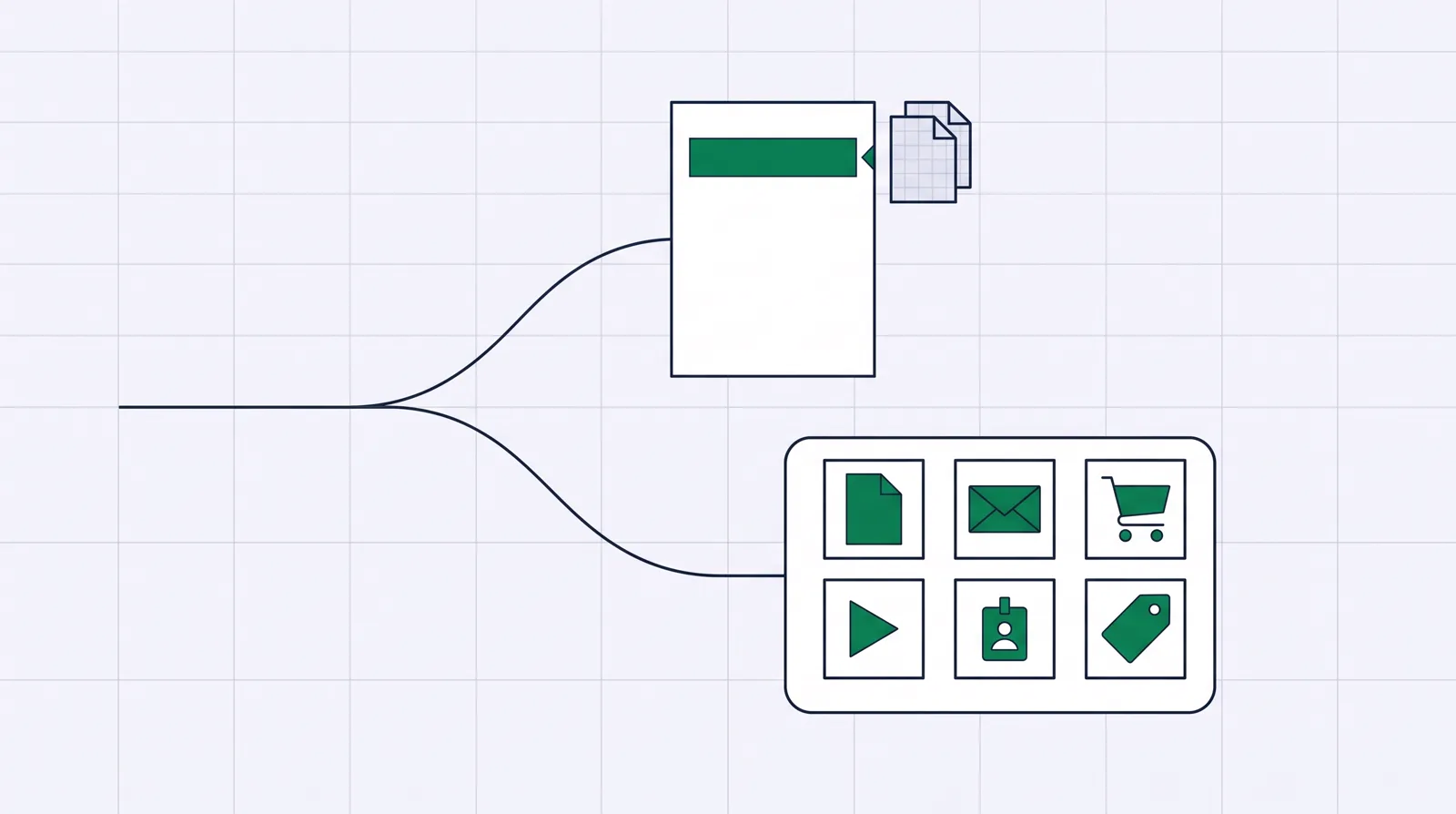
If what you need is high-converting campaign pages, with the headline matching the ad or keyword, A/B testing to prove a variant, and routing that sends each visitor to the version most likely to convert, and your checkout, email and course delivery already live somewhere else, you are Unbounce's buyer. If you want to run the whole selling operation from one account, the pages, the payment, the follow-up and the member area, you are Kartra's buyer.
Most of the detail below falls out of that answer. Unbounce will not take a payment or send an email sequence. Kartra will build a page, but the page is one module of a suite you are really buying for the checkout, the email and the course area, and it lacks the paid-search message-match features Unbounce is known for. The failure mode is buying the one built for the other person.
Unbounce: the paid-traffic page specialist
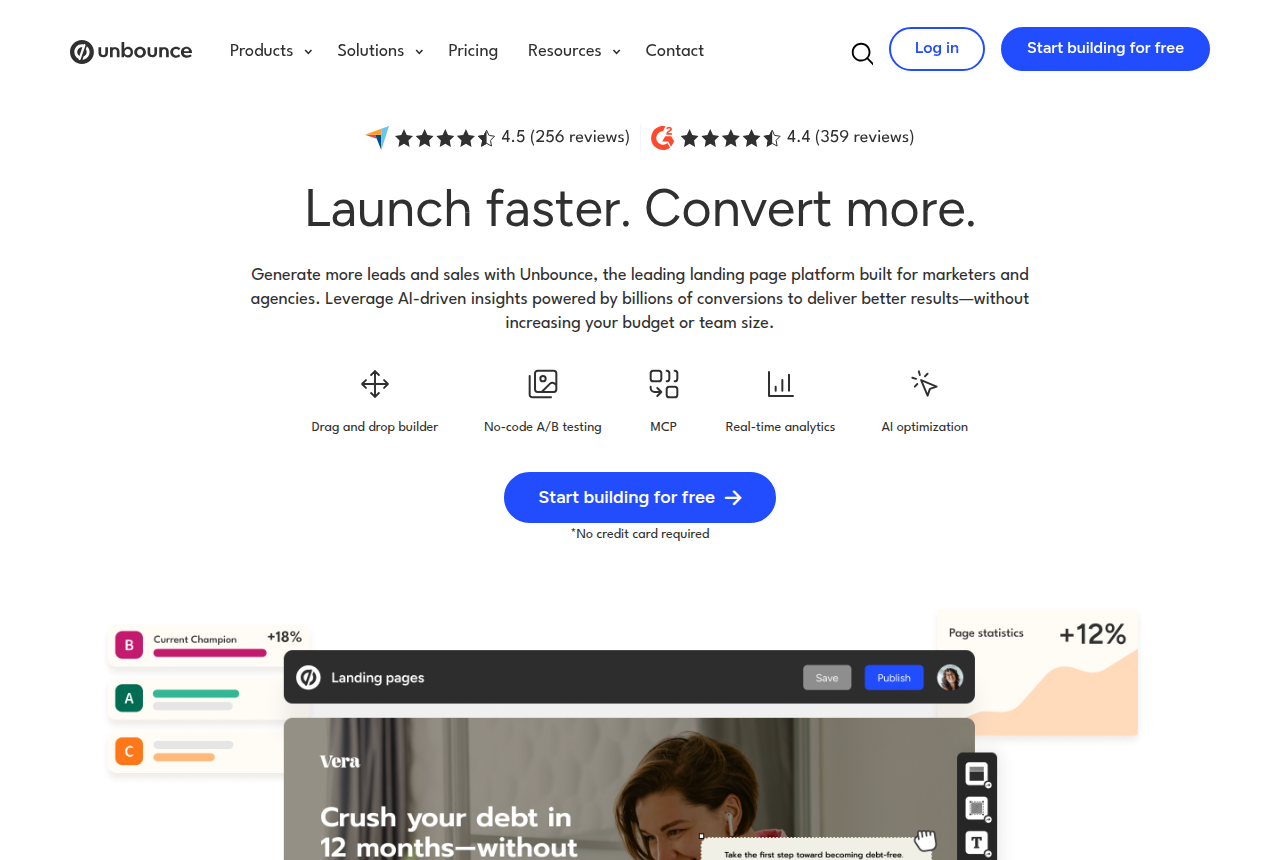
Unbounce is a landing-page and conversion optimization tool aimed at marketers and agencies who buy traffic. Its strength is the page: a drag-and-drop editor, more than 100 templates, custom code, forms, popups and sticky bars, plus the three features that make it distinct for paid campaigns. Dynamic text replacement changes the page copy to match the keyword or ad that produced the visit, so the promise in the ad and the promise on the page line up. A/B testing lets you prove one variant against another. Smart Traffic reads visitor attributes and routes each person toward the variant it expects will convert them.
The catch is where those features live. The $29 Starter plan covers a handful of pages and 500 monthly visitors, which is too little for a paid campaign. Headline swapping and A/B testing start on the $149 Experiment plan, and Smart Traffic on the $249 Optimize plan, so price the tier that carries what you came for rather than the sticker. The recurring gripes from long-term users are monthly visitor caps that bring overage anxiety at scale, price rises over the years, and an editor some find rigid once a design pushes past standard sections or needs careful mobile work.
What Unbounce does not do is anything after the page. It can pass a form submission to a connected CRM and hand a buyer onward to a checkout, but it has no cart, no native email or SMS, no memberships or courses, and no automations. Its analytics stop at the page conversion. If those jobs already live in a stack you mean to keep, you lose nothing, and that missing back half is exactly what Kartra is built to supply.
Kartra: the whole creator business in one login
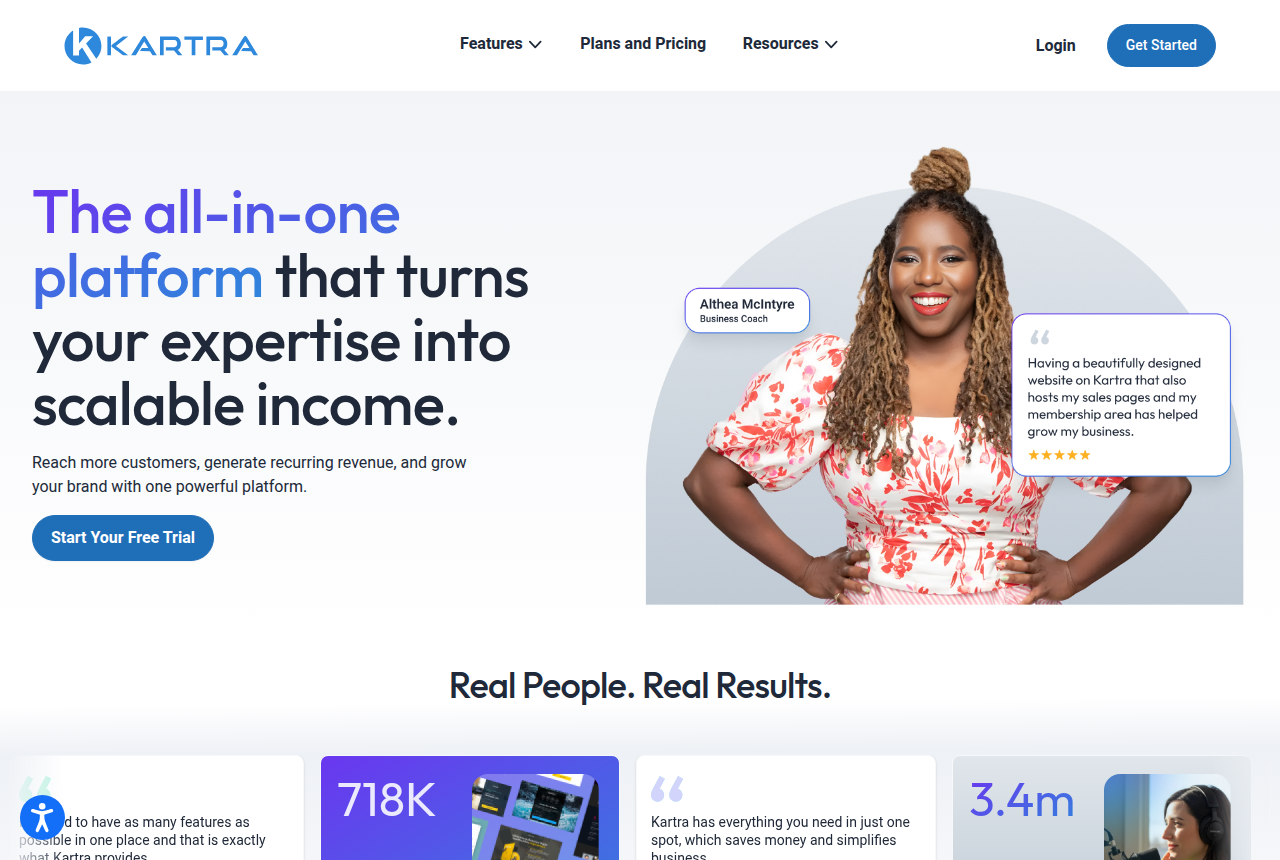
Kartra is best understood as a marketing suite for someone selling to an audience they build: coaches, consultants and course creators. Kartra Inc., part of Genesis Digital, has run it since 2018, and it lists more than 60,000 customers, so capability is not the risk. Under one login it bundles pages and funnels, a checkout with order bumps and one-click upsells, email and SMS, memberships and courses, calendars, an affiliate manager and a helpdesk. A funnel mapper lets you plan and simulate a multi-page journey before you build it, and more than 100 campaign templates mean you rarely start from a blank page. Where Unbounce is built around the page, Kartra is built around the whole path from sign-up to sale to delivery.
Its weak spots are support, speed and the entry plan. Support speed is the loudest complaint from long-term users, with Trustpilot reviewers in 2025 reporting waits of up to a week, which hurts most during a launch when something breaks. The editor is capable but slow, and reviewers describe lag and simple edits taking too many steps, so stress-test it on the trial before you build anything real. And the entry price misleads: the $59 Essentials plan takes 5% of every sale and caps you at 500 contacts, five pages and one product, so most real businesses need Starter or higher, where the cut disappears.
Kartra's contact tools stop short of a full CRM. It tracks contacts, tags and purchases, but it has no deal stages, forecasting or task management, so a sales team that lives in a pipeline will feel the gap. Building everything inside one platform means lock-in, too: the work does not transfer cleanly if you leave. It is still a real, well-used tool, and it earns its price when you use most of the suite.
Where they overlap, and where they don't
Both build a landing page and run a basic A/B test, and that is the whole of the shared ground. Even there, Unbounce adds keyword-matched headlines and Smart Traffic, which Kartra does not, while Kartra's page builder is one module of a suite rather than a specialist CRO tool. For a paid-search or paid-social page where message match is the lever, Unbounce is the sharper instrument.
The gap is everything after the page. Unbounce hands the lead or the buyer to whatever you use to charge and nurture them. Kartra takes the payment, delivers the course, and follows up by email and SMS on an automation you build once. The decision is whether you want a tool that captures a conversion and stops, or a suite that captures a buyer and then runs the whole relationship.
A third option for a paid-traffic seller
Both Unbounce and Kartra assume the hard part is either the page or selling to an audience you already own. If you buy your own paid traffic to make sales, the hard part is often somewhere neither of them looks: the split test that must not reset the ad platform's learning, and the checkout that turns a click into a tracked sale. ElasticFunnels is a funnel platform built for that reader, the affiliate, product vendor, agency or ecommerce brand running campaigns on Meta, Google and TikTok. It builds the pages, including an AI builder that writes a page from a prompt or clones one from a URL, but its defining feature is same-URL split testing: variants rotate server-side under one campaign link, so the ad platform keeps its optimization and a test never sends the ad back through review. Around that sit a hosted checkout with order bumps, one-click upsells and native subscriptions, click-to-sale attribution that keeps the click, order, rebill and refund on one record, and a CRM, automations and a call center on the same data.
Multi-MID routing splits sales across the NMI merchant accounts you connect, which matters most to a seller already running several accounts. A seller on a single Stripe or NMI account still gets the pages, the same-URL testing, the checkout, the attribution and the CRM. Next to these two it borrows a little from each: a checkout with bumps and upsells like Kartra's, page testing aimed at bought clicks like Unbounce's, and no member area or course delivery at all. The caveat that matters most: ElasticFunnels is newer than either of these, and there is very little independent third-party review coverage to check its claims against, so until you run real volume through it you are largely taking the vendor's word for how it holds up. That is what you would expect of a platform this young next to two established names, and it weighs most if you lean on years of public reviews before trusting a tool. It offers a 14-day trial with no card, so you can prove the whole workflow on your own funnel first. A course creator still belongs on Kartra and a PPC page team on Unbounce. ElasticFunnels fits the seller pushing cold traffic at a cart.
Pricing: two different meters
The entry prices look close and mislead. Unbounce prices by plan, and the features that make it worth buying for paid traffic sit above the entry tier: $29 Starter is a basic page host, message match and testing arrive on the $149 Experiment plan, and Smart Traffic on the $249 Optimize plan, with monthly visitor caps on every tier that can bring an overage charge when a campaign spikes. Kartra bills flat with no usage fees, but its Essentials plan takes 5% of every sale, so most sellers move to Starter at $119 a month, where the cut disappears. So Unbounce is a plan you size to the testing you need, while Kartra is a flat bill you size to the suite you will actually use.
Which one for you
Your clicks are paid for and the page has to convert harder: Unbounce. Its headline matching, A/B testing and Smart Traffic are the direct post-click levers for a search or social campaign, and they are why serious media buyers still name it first. Budget for the Experiment plan if testing and message match are the point, or Optimize if you want automatic routing, and accept the visitor caps as the cost of a focused tool.
You sell courses, coaching or memberships to an audience you build: Kartra. The checkout with bumps and upsells, email and SMS, the member area and the affiliate manager are what you are paying for, and one flat bill replacing four subscriptions is where it pays for itself. Test the editor and time a support reply on the trial before you commit, and price it on Starter rather than the 5% Essentials plan.
You buy your own traffic and your profit turns on the test and the checkout: look at ElasticFunnels alongside them, with the newness caveat above in mind.
Unbounce
What works
- The page headline updates to match each search query, the core PPC lever
- Smart Traffic routes each visitor to the variant most likely to convert them
- A large template library and a mature builder
What to watch
- Dynamic text and split testing start on the $149/mo Experiment plan, about five times the $29 Starter price
- Monthly unique-visitor caps bring overage anxiety at scale
- The builder frustrates on fixed-section layout and mobile, enough that some users call it painful
Kartra
What works
- Genuinely covers the whole creator business under one roof: pages and funnels, email and SMS, a checkout, memberships and courses, calendars, affiliates and a helpdesk, so you stop paying for and wiring together five separate tools.
- Its checkout is built to lift order value, with branded order forms, coupons, buy-now-pay-later through Klarna, and one-click upsells.
- A funnel mapper lets you plan and simulate a multi-page journey before you build it, and more than 100 done-for-you campaign templates mean you rarely start from a blank page.
- Established and widely used. Kartra Inc. (Genesis Digital) has run it since 2018, with 60,000-plus customers, and billing is flat-rate with no surprise usage fees stacked on top.
- Plans above the entry tier take 0% of your sales, and a 30-day money-back guarantee lets you build a real funnel before you commit.
What to watch
- Support speed is the loudest complaint from long-term users. Trustpilot reviewers in 2025 report waits of up to a week for simple questions, which hurts most during a launch when something breaks.
- The editor is capable but slow. Reviewers describe lag and glitches, and simple edits taking too many steps. Stress-test it on the trial before you build anything real.
- It is expensive unless you use the whole suite. Buy it for one job, a landing page or email alone, and cheaper single-purpose tools win on price.
- The entry Essentials plan takes 5% of every transaction and caps you at 500 contacts, 5 pages and one product, so most real businesses need Starter at $119/mo or higher.
- It is not a full CRM: it tracks contacts, tags and purchases but has no deal stages, forecasting or task management if a sales team lives in a pipeline. And building everything inside one platform means lock-in, since the work does not transfer cleanly if you leave.
Pricing
Unbounce: from $29/mo. Monthly prices: Starter $29 for 5 pages and 500 visitors. Build $99 for unlimited pages and 20,000 visitors. Experiment $149 adds unlimited A/B testing and dynamic text replacement, with 30,000 visitors. Optimize $249 adds AI traffic optimization and 50,000 visitors. Yearly billing saves 25%. Pages keep running past the traffic limit, and the extra visitors are billed as a one-time overage fee. There is no native checkout.
Kartra: from $59/mo. Essentials costs $52 a month billed annually or $59 monthly, for 500 contacts, 5 pages, 1 product and 1 course, with a 5% transaction fee. Starter is $99 a month annually or $119 monthly, for 2,500 contacts, unlimited pages, products and courses, webinars and no transaction fee. Growth runs $189 annually or $229 monthly, and the top Professional tier $429 or $549. Every plan carries a 30-day money-back guarantee.
Prices as of 12 October 2026
Our pick
Unbounce
Unbounce is the pick if you buy Google Ads and live or die on message match, and you can justify the Experiment tier.
Frequently asked questions
Which is cheaper, Unbounce or Kartra?
Can Kartra do Unbounce's job for paid search?
Does Unbounce include a checkout, email or a course area?
I buy my own paid traffic to cold offers. Which one?
Sources
Vendor pages
Sources
Other sources
12 discussions and reviews read for this page. Quotes are excerpts; open a link to read the original in context.
- [hn-good-experience] Ask HN: Best landing page builder?
- [hn-nontechnical] Ask HN: Best landing page builder?
- [capterra-campaigns] Unbounce reviews
- [capterra-mobile] Unbounce reviews
- [trustpilot-value] Unbounce reviews
- [capterra-buggy] Kartra Reviews | Capterra
- [capterra-support] Kartra Reviews | Capterra
- [capterra-500k] Kartra Reviews | Capterra
- [trustpilot-polish] Kartra Reviews | Trustpilot
- [trustpilot-support] Kartra Reviews | Trustpilot
- [g2-bugs] Kartra Reviews | G2
- [g2-positive] Kartra Reviews | G2

Written by
Dana Rourke
Lead reviewer
Dana Rourke is the lead reviewer at Campaign Buyer. She owns the tracker and attribution coverage: reading what long-term users report about each tool, checking its documentation and pricing, and verifying prices with the vendor before writing the verdict. Keeping the rankings honest mostly means writing down what the top pick gets wrong, so she does that first.
Last checked 2026-10-01